We have several new projects underway for our Home Lab and the services it provides. We’re adding a Home Lab Blog to share current projects and information! We are doing this to help our readers follow our progress and learn about our projects.
We are also enabling our readers to comment on our Blog. This enables us to answer questions and allows our readers to shape the direction of our Home Lab.
Projects We Are Working On
We have several new projects that we are working on, including:
An enterprise-level upgrade to our Core Network that enables high-availability and expanded capacity in our core network and Internet connectivity
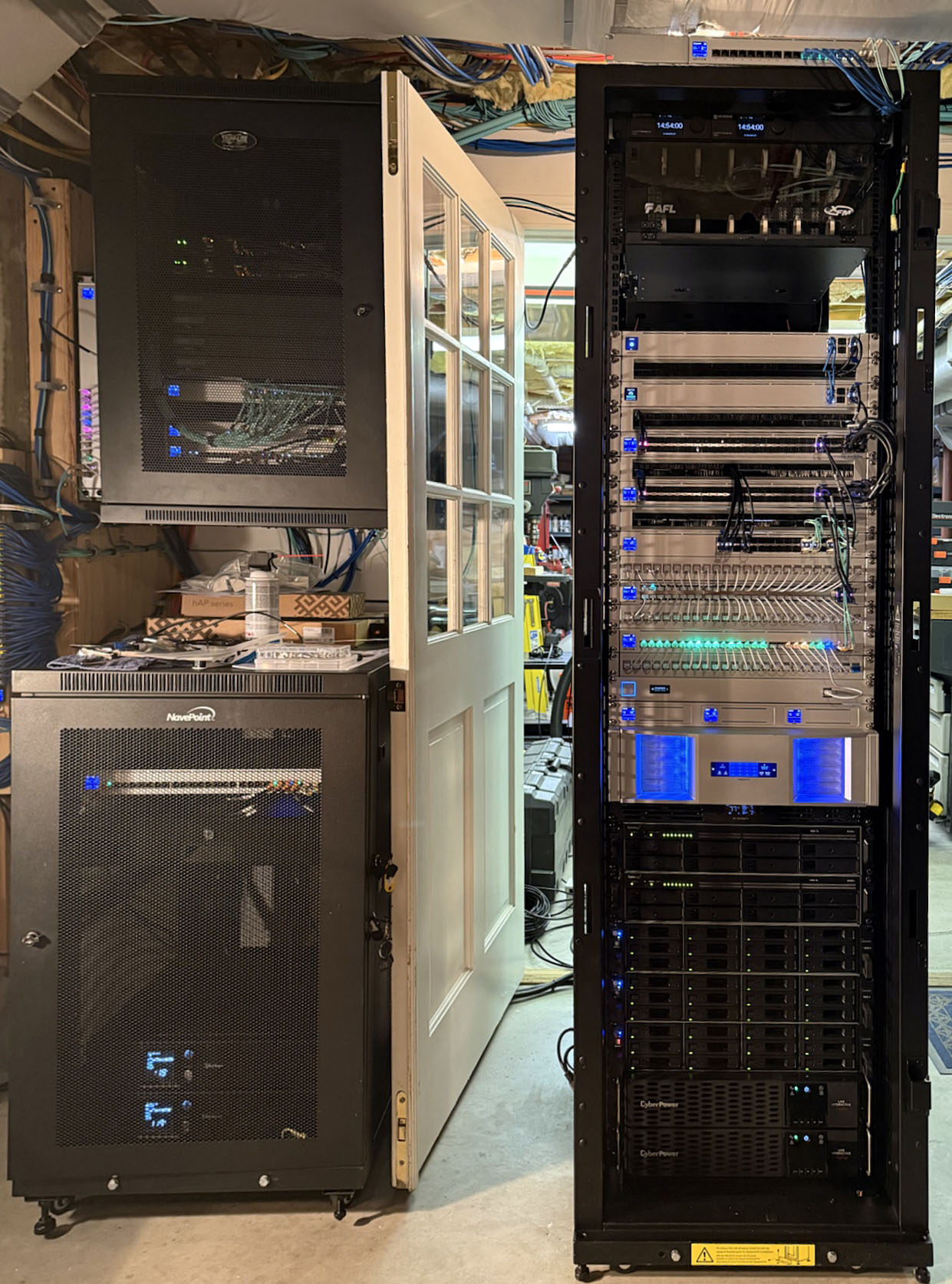
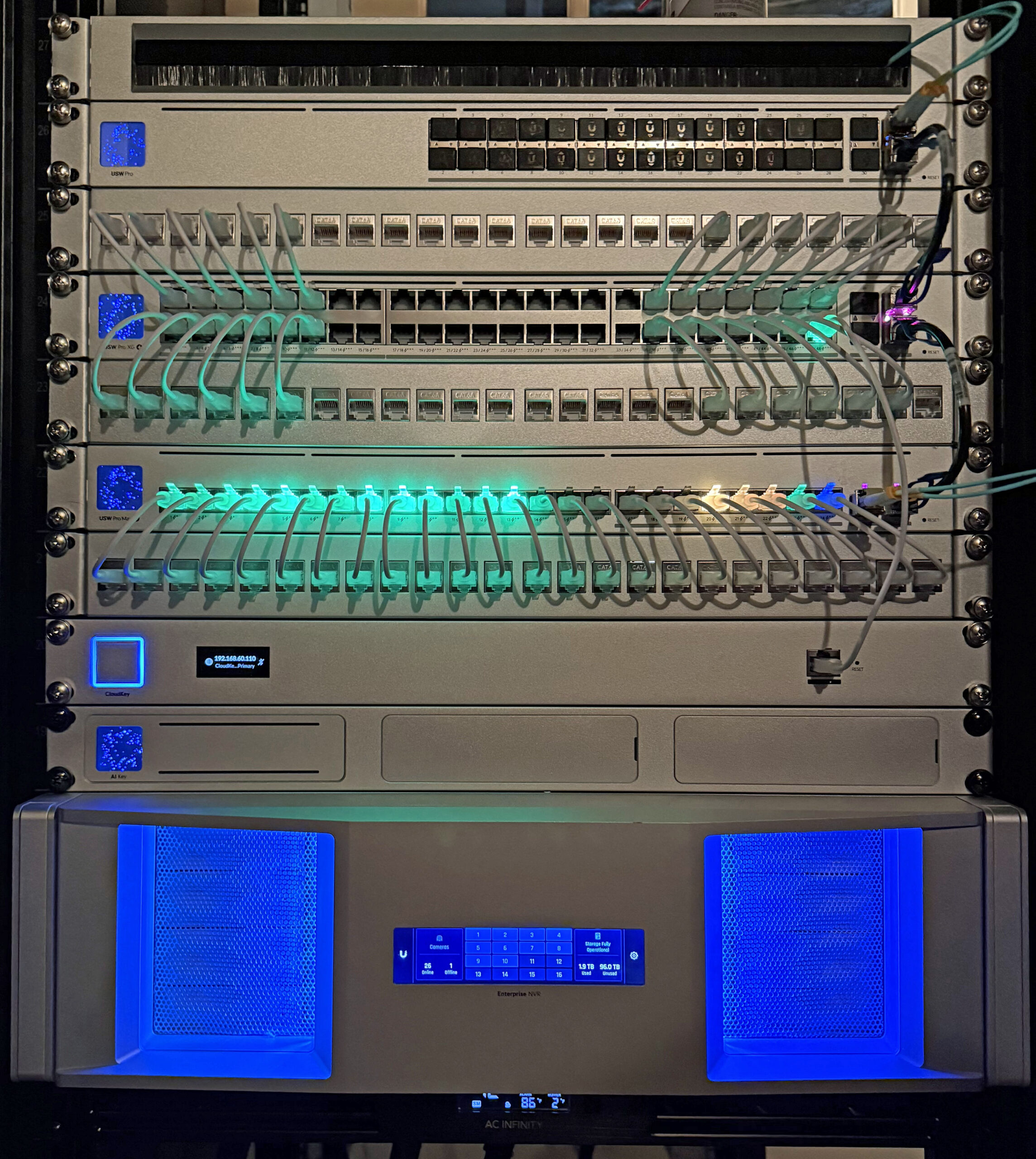
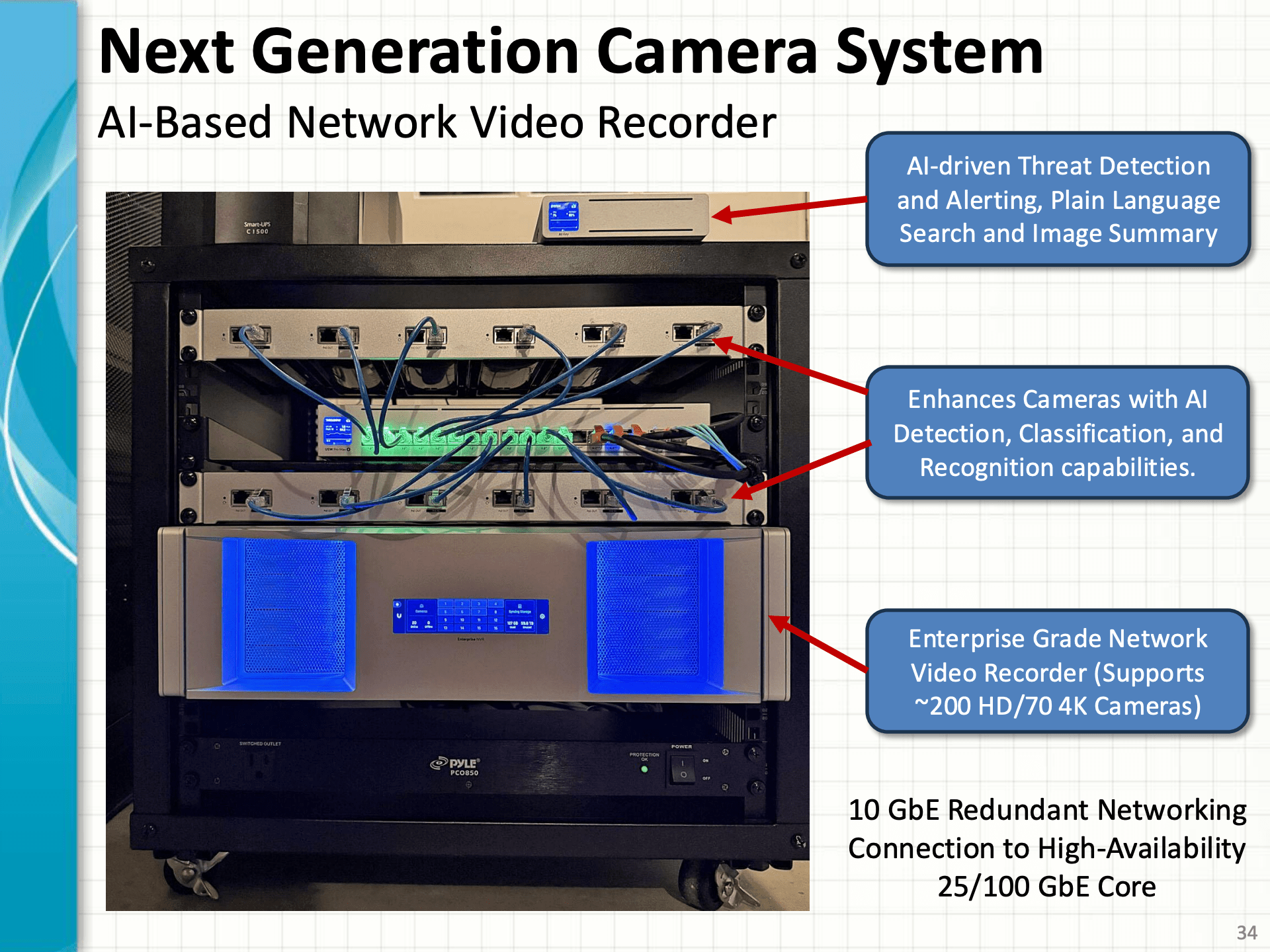
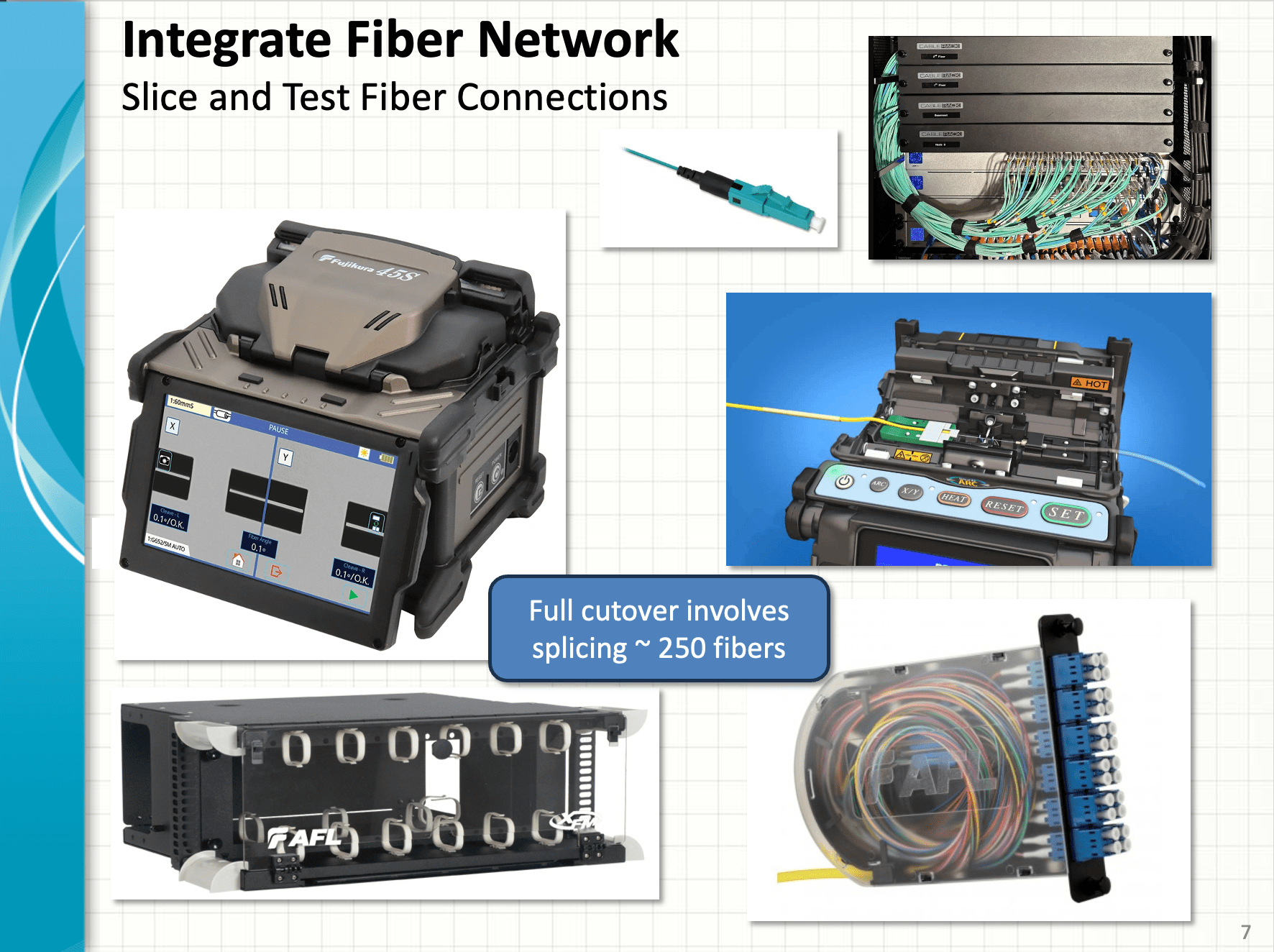
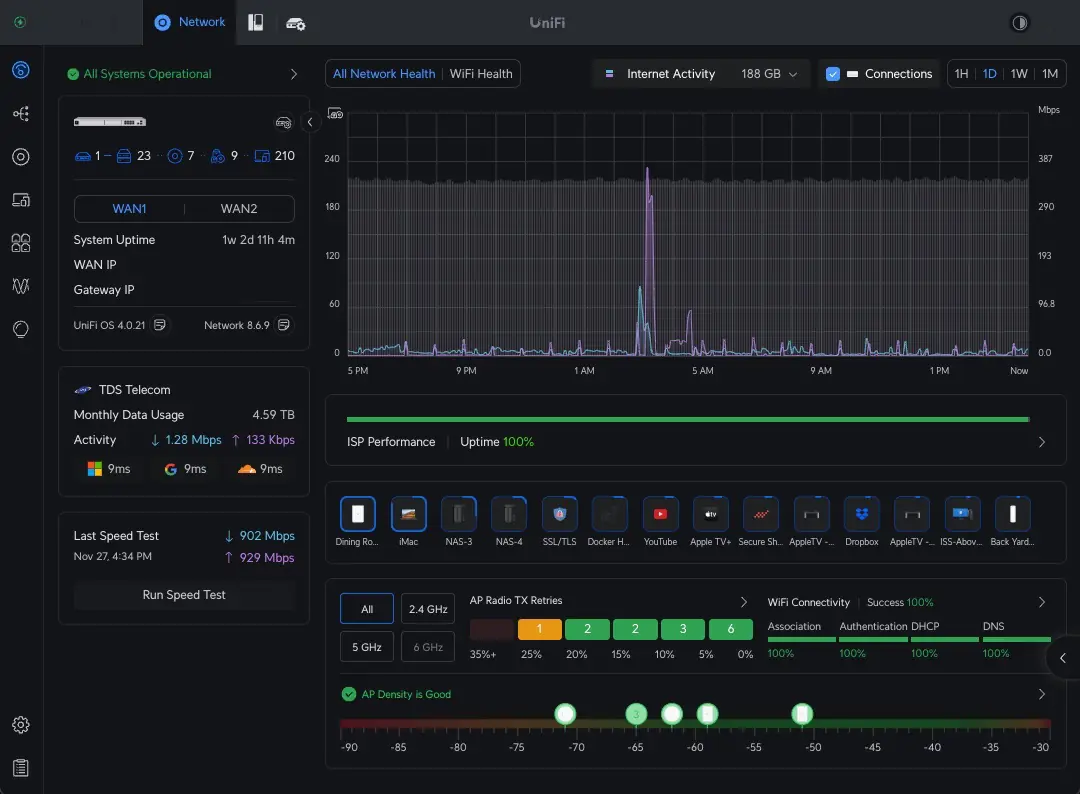
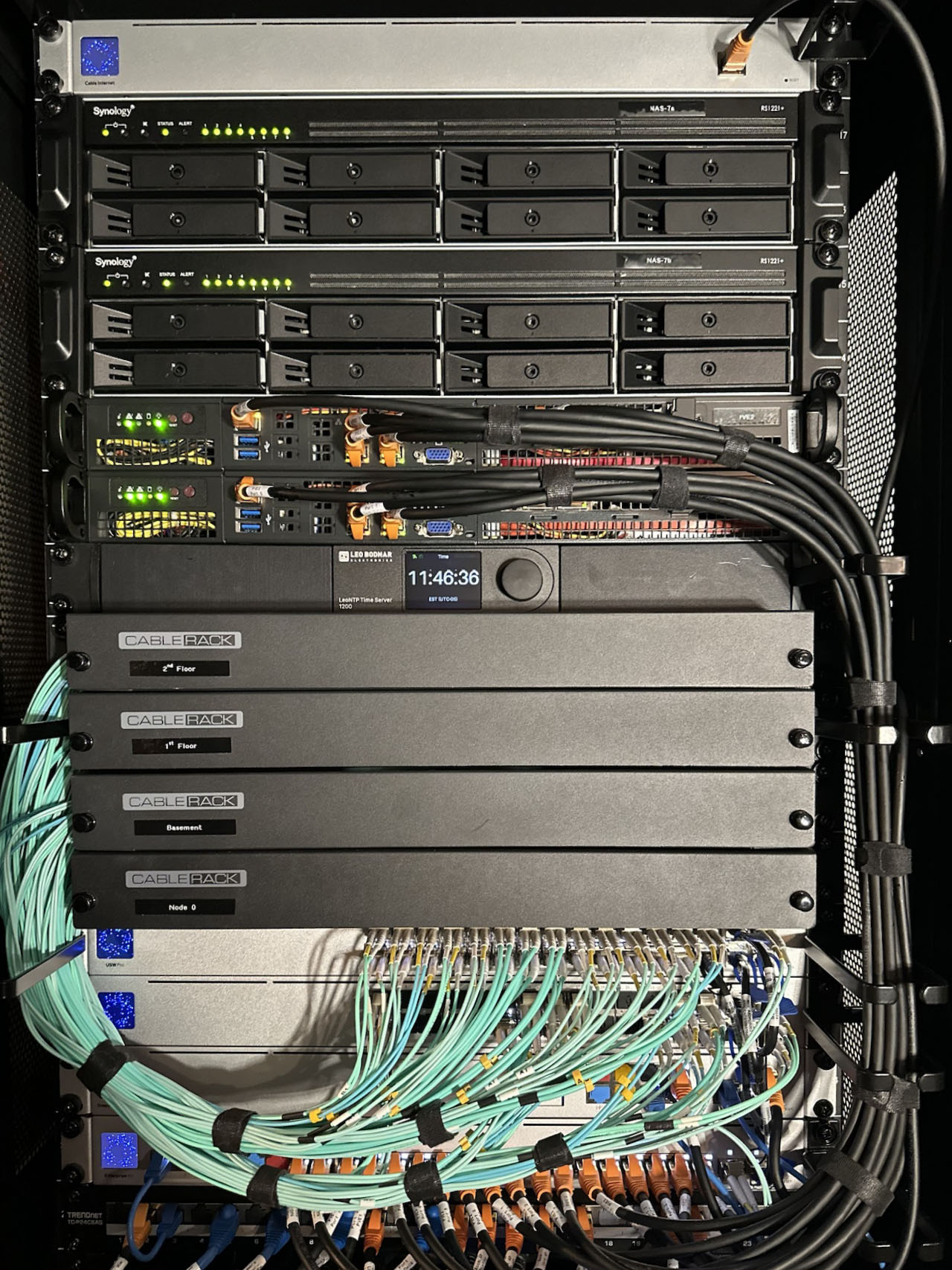
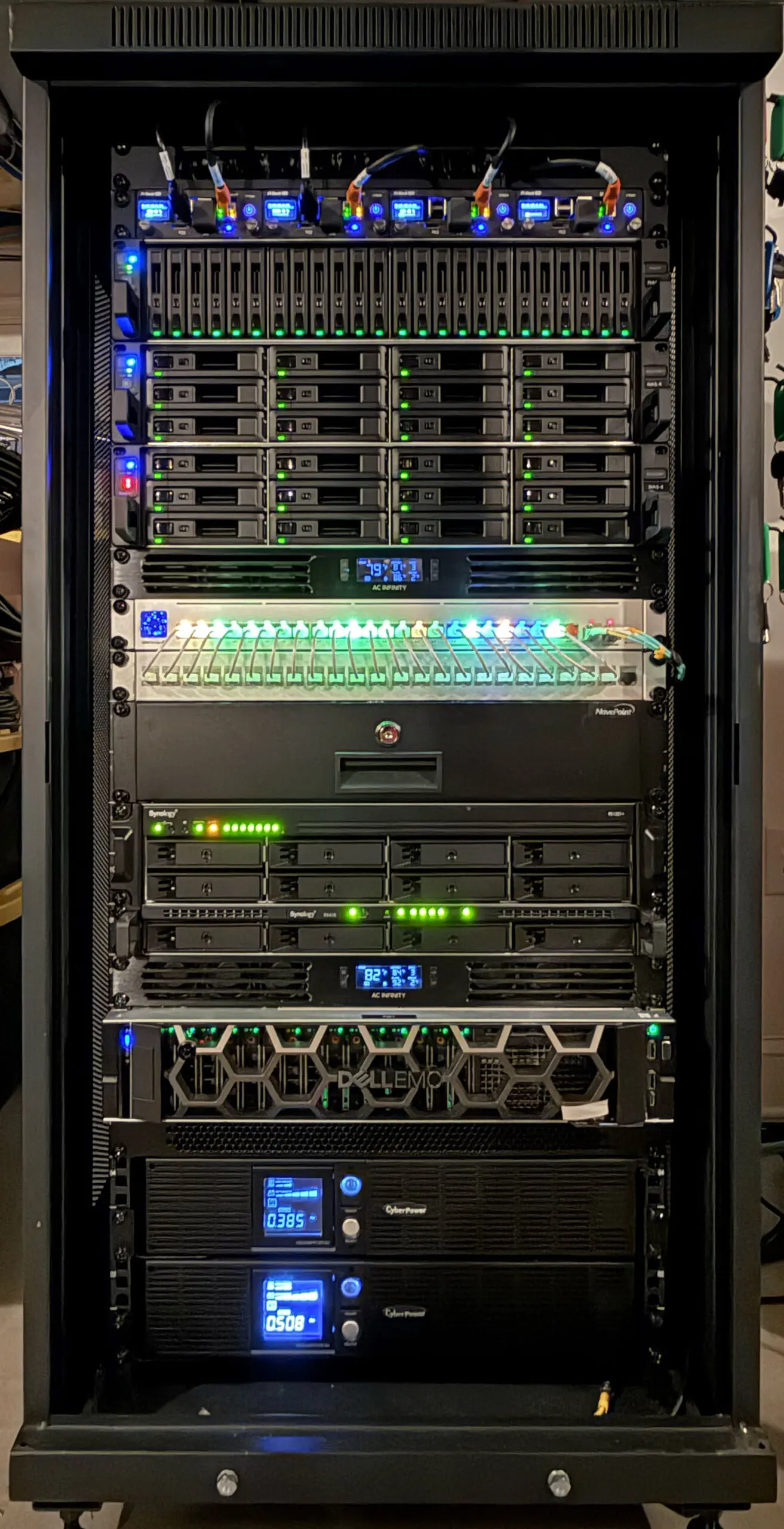
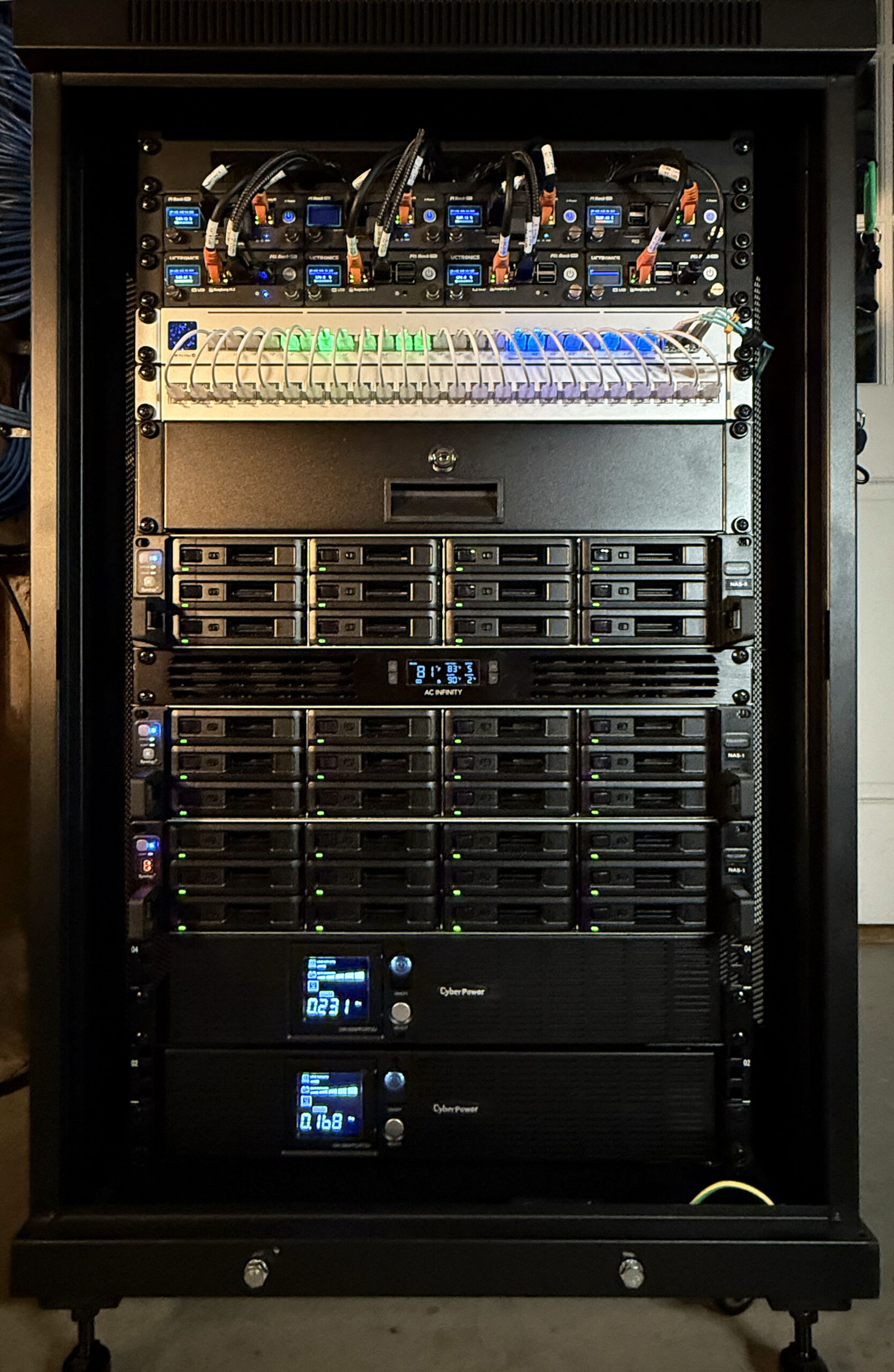
Here are a few images from our in-progress projects.
Enterprise-Grade Core Rack UpgradeHigh-Availability Enterprise-grade Firewall and AggregationNext Generation AI Camera SystemEquipment for Fiber Network Upgrades
We hope that you’ll check our Home Lab Blog often and follow/comment on our progress!
Uninterruptible power for our network, servers, and storage is key to our Home Lab’s high-availability strategy.
Our Home uses residential power, so we experience frequent power interruptions. Here in New England, storms and wind events cause power outages lasting from a few seconds to as long as a week. As a result, we need a reliable, tiered power backup system to protect our equipment and keep our Home Lab online.
Power Architecture
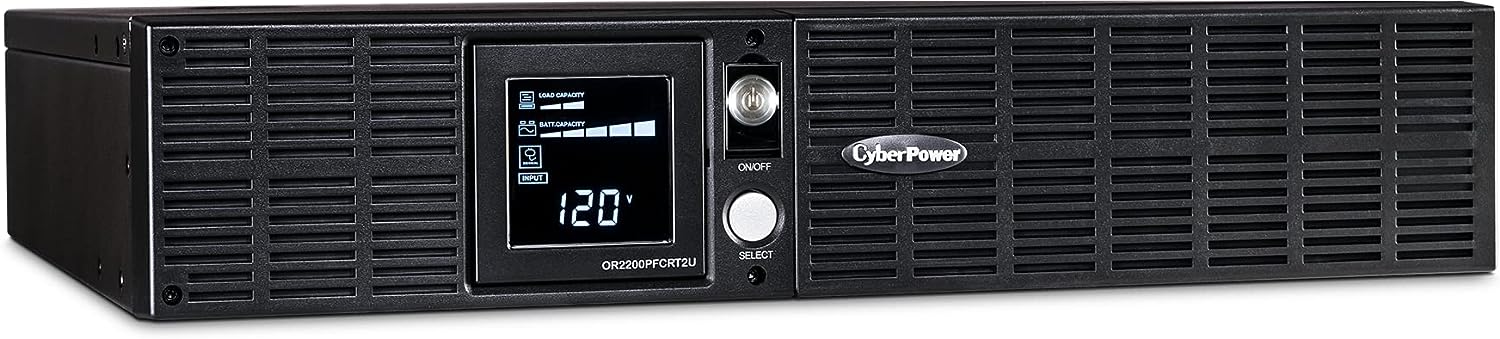
We use a two-tiered power architecture. The first tier uses sine-wave Uninterruptable Power Supplies (UPSs) to protect our equipment from surges and provide a few minutes to maybe an hour of backup power.
Backup Function
UPS Device
Load Capacity
Location
Notes
Main Server and NAS Drives
2 x CyberPower OR2200PFCRTU
2 x 2000VA/1540W
Server Rack
Load shared power backup for Dell Server, NAS devices, and Ethernet Switch
Core Network Equipment
CyberPower PR3000LCDSL
3000VA/2700W
Network Rack
Covers Router/Firewall, Core Switches, and PoE Wired Devices
Office NAS and Computers
CyberPower OR2200PFCRTU
2000VA/1540W
Office
Covers main file storage NAS, Office Ethernet Switch, and Computers
The second tier uses a Generac 20 KW whole-house generator. The generator system automatically kicks in about a minute after an extended power failure begins. Our generator and associated large propane tank can power our home, including our Home Lab and Amateur Radio Station, for 7 – 10 days. Our generator system includes automatic load heading devices for our air conditioner, range, hot tub, and other high-current devices to avoid overloading our generator.
Redundant Internet
A weak link in our power backup strategy is our Internet connection. Our modems are backed up by our two-tier power management system. We also have redundant connections to fiber- and cable-based ISPs to provide additional resilience in the face of wide-area power outages.
Power Monitoring and Managed Shutdown
We are using the Network UPS Tools software running on Raspberry Pi computers to manage our critical UPS devices. This software allows us to remotely monitor the operational condition of our UPS devices and enables our Storage Devices and Servers to sense conditions when a complete backup power loss is imminent and perform a controlled shutdown to protect themselves and the data that they store. You can find a summary of the available features here.
NUT Setup and Configuration
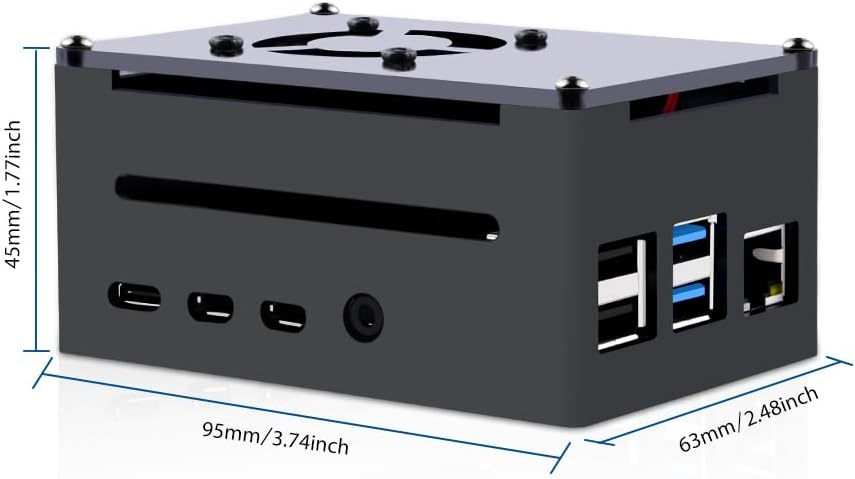
Raspberry Pi 4B NUT Server
Each of our NUT Raspberry Pi devices is PoE-powered. They are built using the following components:
The following table shows the overall configuration for out automatic shutdown setup –
Device
Monitored UPS(s)
Delay
Notes
NAS-1, NAS-2
Network Upper UPS &
Network Lower UPS
20 min
Lower UPS supports longer runtime on battery
NAS-3, NAS-4, NAS-5
Server Upper UPS &
Server Lower UPS
20 min
Lower UPS supports longer runtime on battery
NAS-6
Network Upper UPS &
Network Lower UPS
5 min
Dual Powered via Automatic Transfer Switch
NAS-7
Server Upper UPS & Server Lower UPS
12 min
VM/LXC storage - must be longer that servers
PVE1 Server
Server Upper UPS & Server Lower UPS
10 min
Shutdown before
NAS-7
PVE2 & PVE3 Servers
Network Upper UPS &
Network Lower UPS
10 min
Shutdown before
NAS-7
RPi PVE1, PVE2, & PVE3 Servers
Server Upper UPS & Server Lower UPS
10 min
Shutdown before
NAS-7
NUC PVE1
Server Upper UPS & Server Lower UPS
10 min
Shutdown before
NAS-7
Server RPs, and AREDN Systems
Server Upper UPS & Server Lower UPS
n/a
Dual Powered via Automatic Transfer Switch
NAS Rack RPi Systems
Network Upper UPS &
Network Lower UPS
n/a
Dual Powered via Automatic Transfer Switch
NAS-11 (Pi NAS)
Network Upper UPS &
Network Lower UPS
n/a
Dual Powered via Automatic Transfer Switch
Network Rack Ethernet Switchs
Network Upper UPS &
Network Lower UPS
n/a
Dual Powered via Automatic Transfer Switch
Server Rack Ethernet Switch
Server Upper UPS & Server Lower UPS
n/a
Dual Powered via Automatic Transfer Switch
Configuring Synology NASs
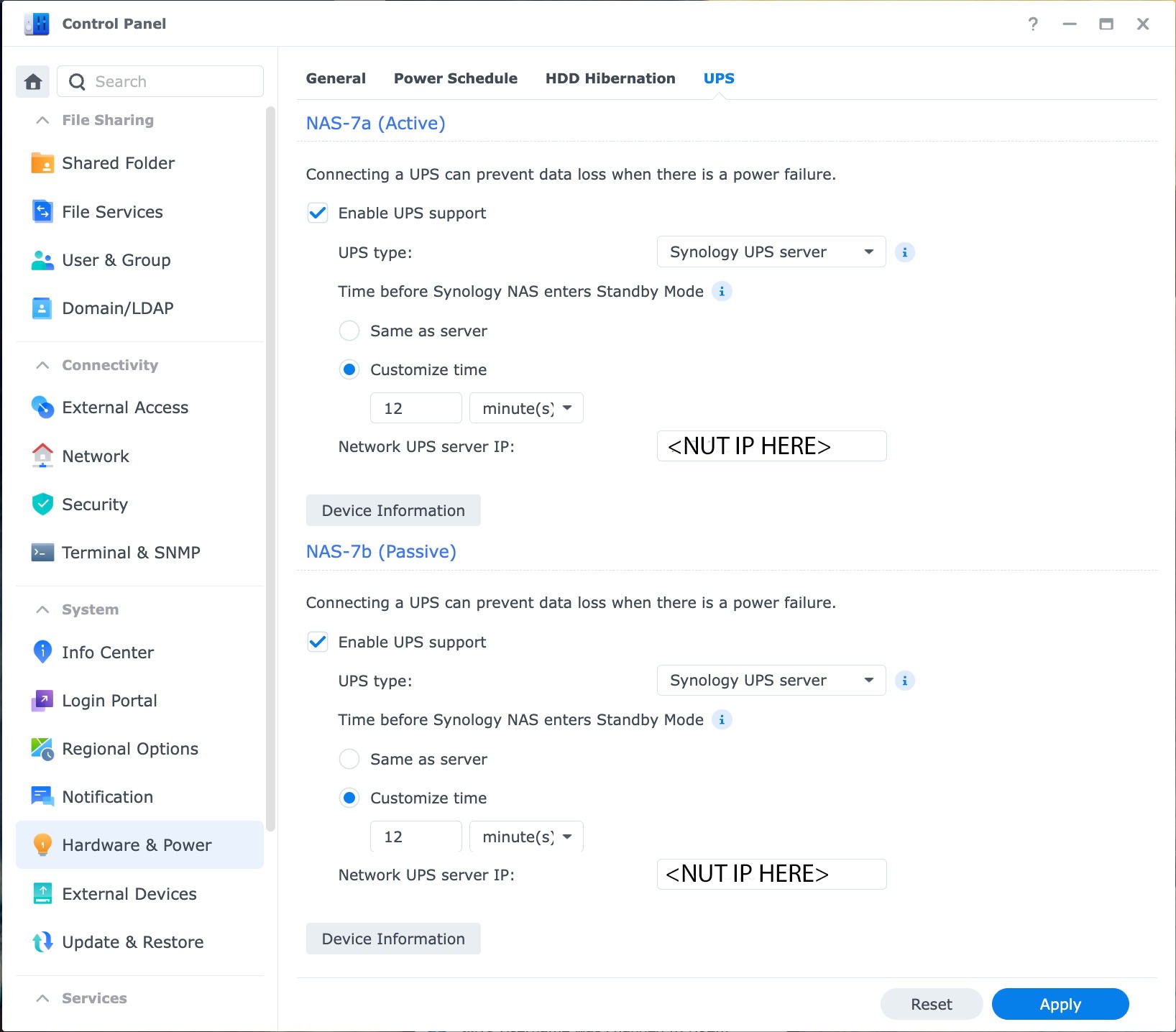
Configuring a Synology NAS device to use our NUT servers is straightforward once the NUT servers are properly configured to meet the interface Synology DSM expects.
Synology NA UPS Configuration
Configuring Proxmox Servers
Steps to configure a Proxmox server to work with a NUT server is more complex. The basic steps are:
vi /etc/nut/nut.conf
vi /etc/nut/upsmon.conf
vi /etc/nut/upssched.conf
Create a custom shell script to process various UPS events. The script includes e-mail notifications and logging as is placed in the /etc/nut directory.
With these steps completed, we can restart the NUT client by rebooting the server.
This site is dedicated to documenting the setup, features, and operation of our Home Lab. Our Home Lab consists of several different components and systems, including:
A high-performance home network with redundant Internet connections
A storage system that utilizes multiple NAS devices
Multiple enterprise-grade servers in a high-availability cluster
Applications, services, and websites
Powered via dual-UPS protected power feeds and a backup generator
Check out our recently added What’s New section – a Blog to share our latest projects and useful information to benefit the Home Lab community.
Home Network
Home Network Core, High-Availability Storage, and Secondary Server Rack
Our Home Network uses a two-tiered structure with a core based upon high-speed 25 GbE-capable aggregation switches and optically connected edge switches. We use Ubiquity UniFi equipment throughout. We have installed multiple OM4 multi-mode fiber links from the core to each room in our house. The speed of these links ranges from 1 Gbps to 25 Gbps, with most connections running as Dual-Fiber LACP LAG links.
We have redundant Internet connections, which include 1 Gbps optical fiber and a 400 Mbps/12 Mbps cable modem service.
Our servers run Proxmox in a high-availability configuration. In total, we have 104 CPUs and 1 TB of RAM available in our primary Proxmox cluster.
This rack includes an all SSD storage high-speed NAS that we use for video editing. It also includes a NAS which stores our video and audio media collection and provides access to this content throughout our home and on the go when we travel.
High-Capacity Storage System
Main NAS Storage Rack
Our NAS Rack provides high-capacity storage via several Synology NAS Drives. It features redundant UPS power and includes additional rack-mounted Raspberry Pi systems that provide several functions in our Home Lab. This rack also houses our Raspberry Pi NAS and NAS 2 systems.
Our total storage capacity is just over 1 Petabyte. Our setup also provides approximately 70 TB of high-speed solid-state storage.
Power Over Ethernet (PoE)
Main Power Over Ethernet (PoE) Switch
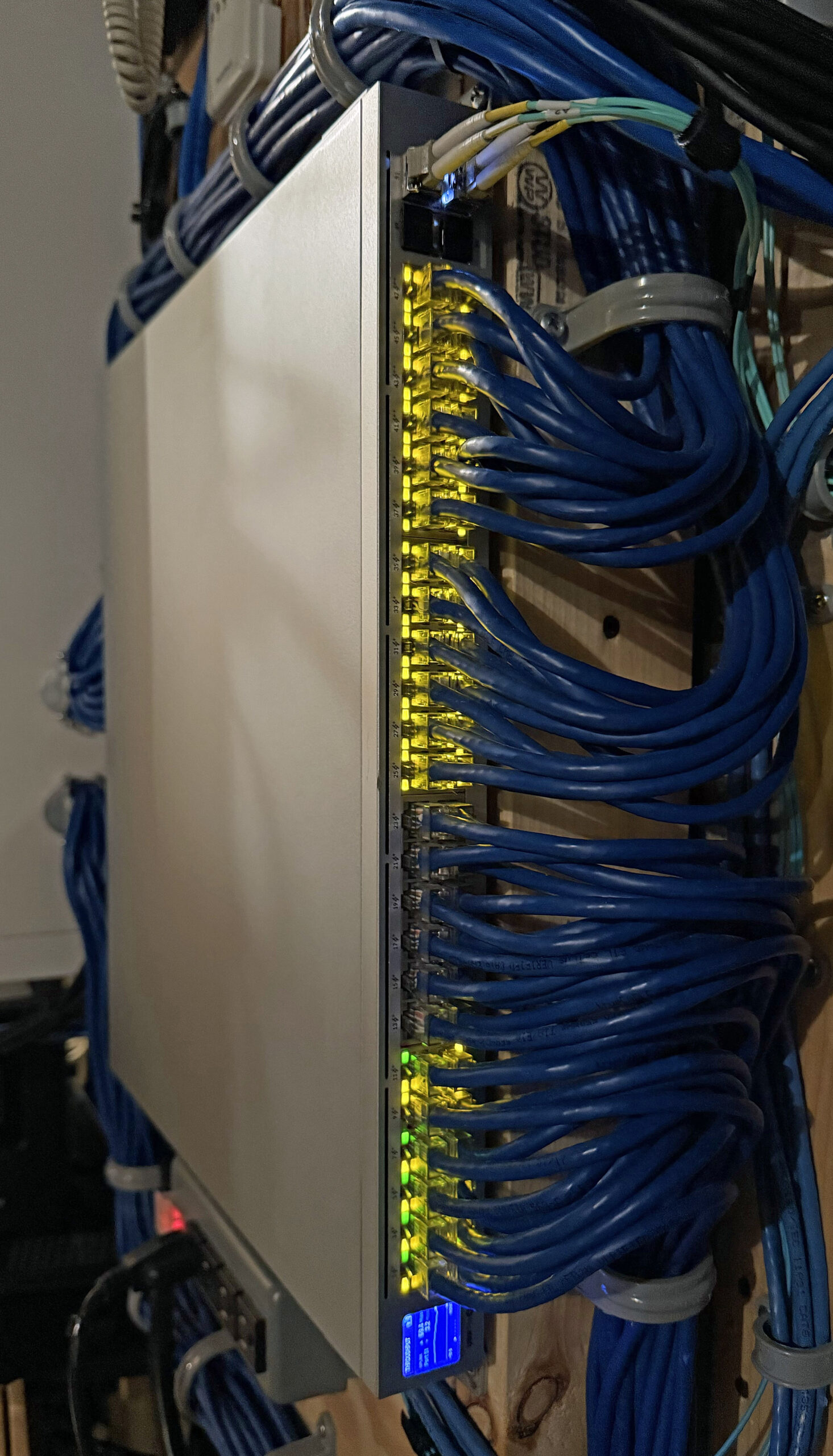
We use Power over Ethernet (PoE) switches at many edge locations in our network to power devices over Ethernet cables.
The switch shown above is located centrally, where all of the CAT6 Ethernet connections in our home terminate. It powers our Surveillance Cameras, IP Telephones, Access Points, etc.
Home Media System
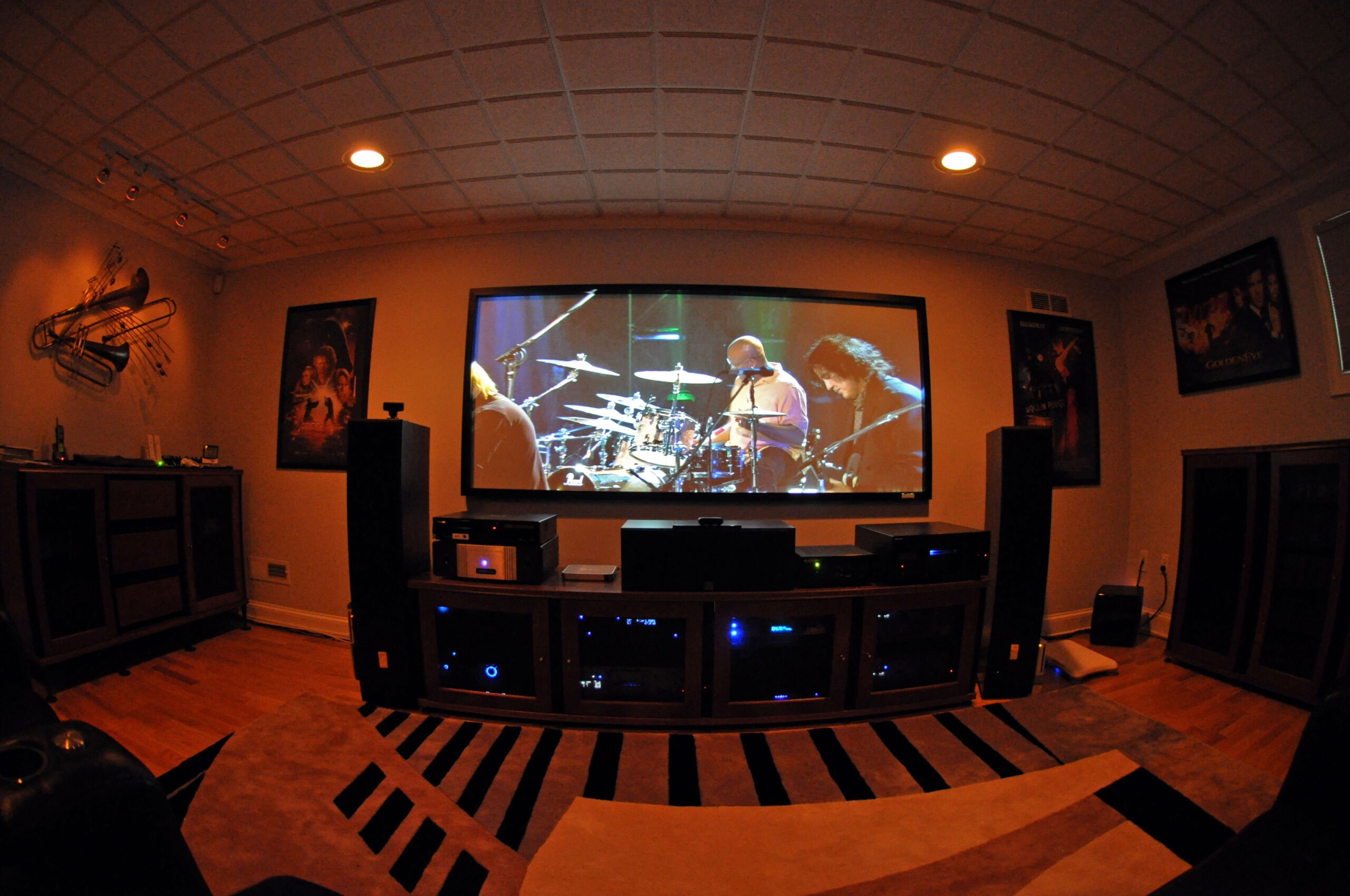
Our Home Theater
We use our Home Network and NAS System to provide a Home Media System. Our Media System sources content from streaming services as well as stored video and audio content stored on our Media NAS drive and enables it to be viewed from any TV or Smart Device in our home. We can also view our content remotely when traveling or in our cars via the Internet.
Surveillance System
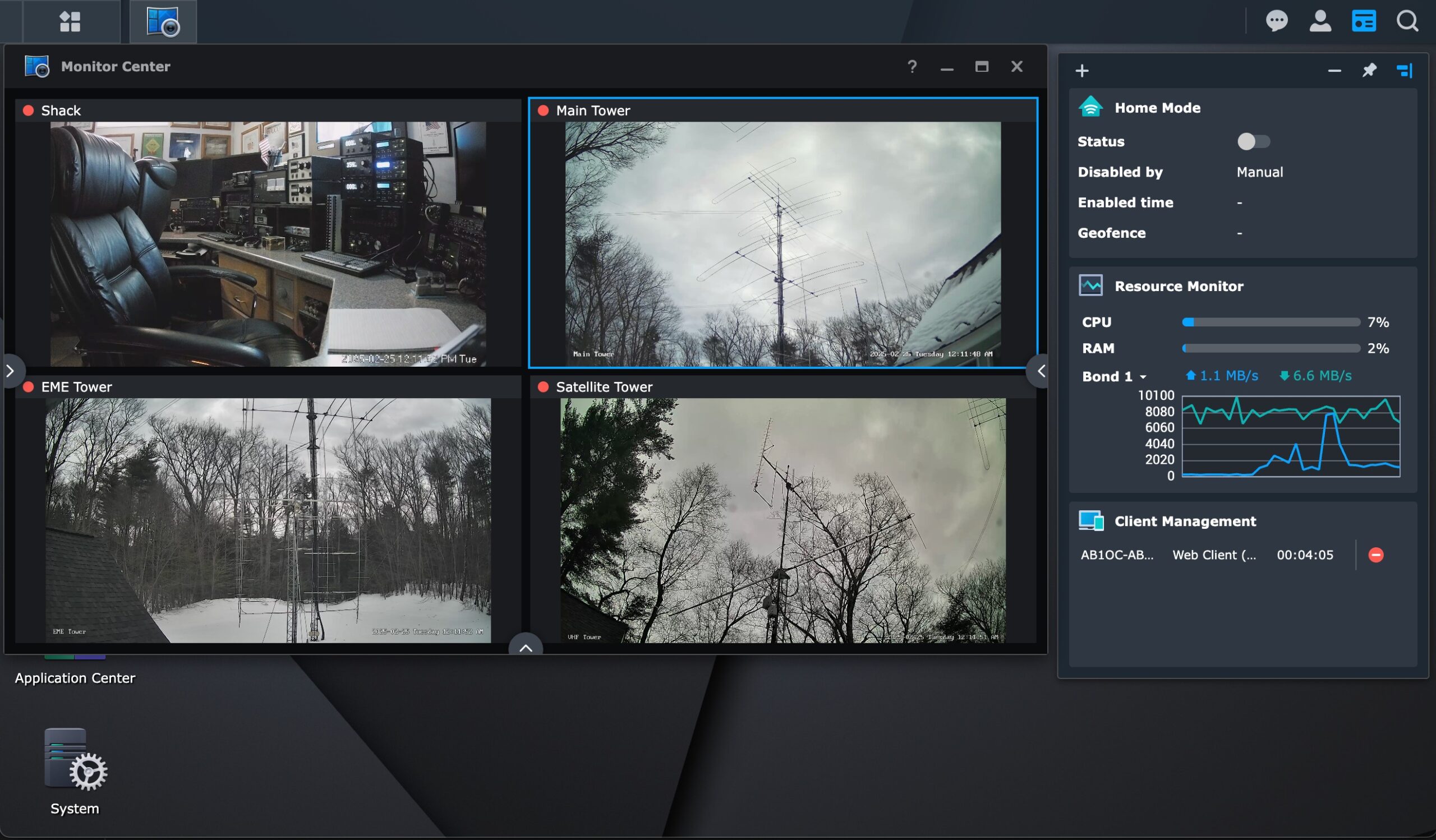
Synology Surveillance Station
We use Synology Surveillance Station running on one of our NAS drives to support a variety of IP cameras throughout our home. This software uses the host NAS drive for storing recordings and provides image recognition and other security features.
Telephone System
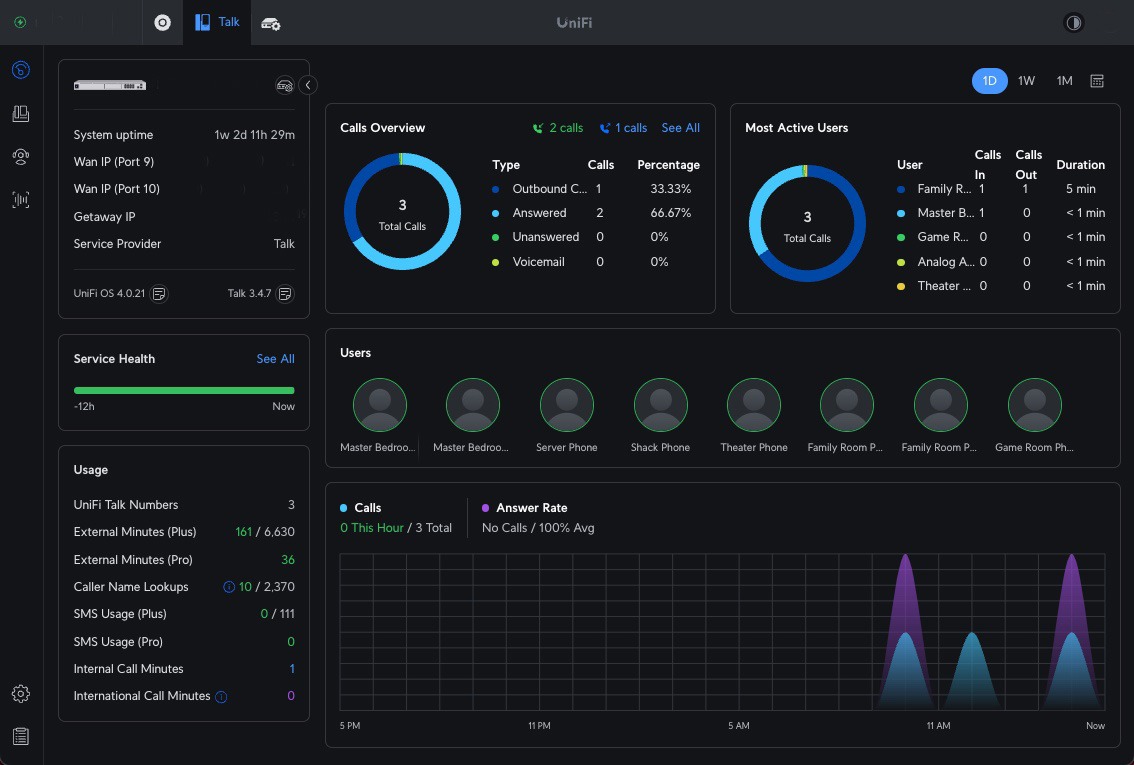
Telephone System Dashboard
We use Ubiquity Unifi Talk to provide managed telephone service within our home.
Ubiquity IP Telephone
This system uses PoE-powered IP Telephones which we have installed throughout our home.
Applications, Services, and Websites
We are hosting several websites, including:
This site, which documents our Home Lab (self-hosted)