Estimated reading time: 2 minutes
Once you get beyond the basics of setting up your Home Lab and some basic services, you’ll face new challenges. You’ll need to preserve and document your setup.
Configuration Management
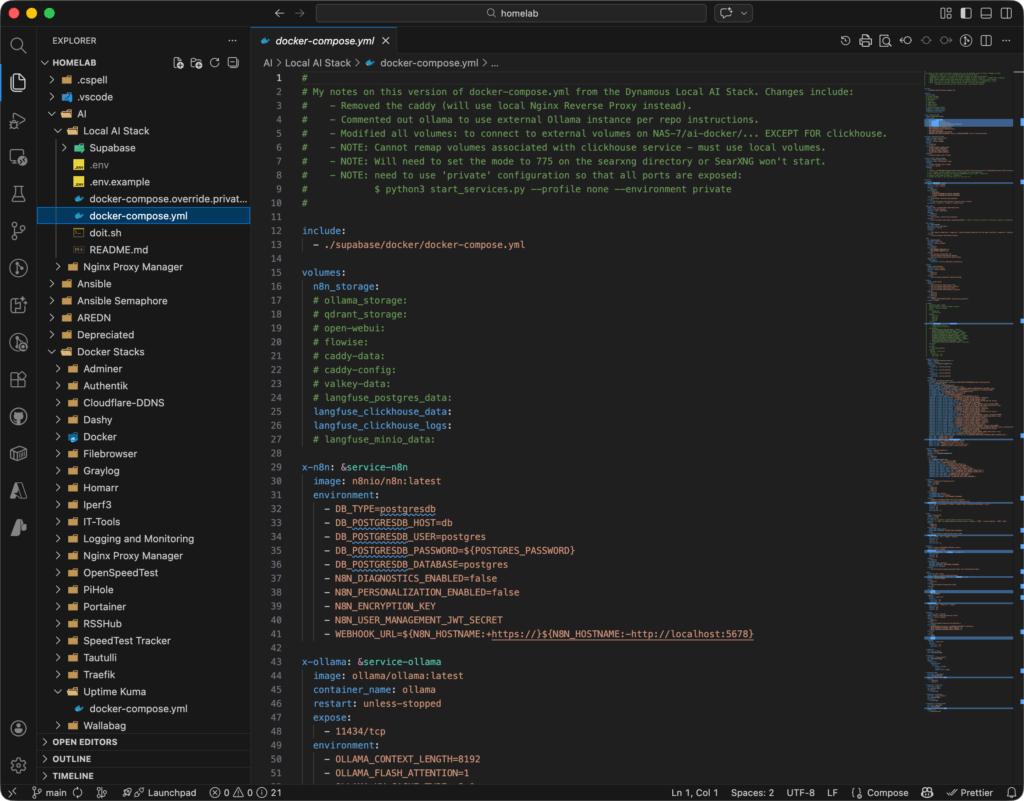
We’ve been using a combination of Visual Studio Code, Git, and GitHub. These tools allow us to save configuration information, protect Secrets, and keep the ability to roll back to earlier configurations.
Understanding Git
Central to our workflow is Git. We use it to track changes. It helps us create variations for testing and bug fixing. It also maintains official production versions of the configuration files for our Home Lab. Additionally, the video above is one of the best. We have found it invaluable for understanding the concepts behind Git branches and trunks. This helps us use them properly in our workflows.
Strategies for Applying Git
Once you have the concepts behind Git, you’ll face a decision. You need to choose your approach for using it in your workflows. The answer to this question is not easy. It depends on the nature of your projects and your desires. It also depends on the capabilities of the team that you are working with.
The video above covers some commonly used Git Workflows. Most of our Home Lab projects and apps result in the latest version of an application. This version or configuration runs in production. Given this, can you guess what Git Workflow we use? Watch the video and see if you can figure it out.
Key Takeaways
- Home Lab setups need careful documentation and configuration management to overcome challenges.
- We use Visual Studio Code, Git, and GitHub to save configurations and manage Secrets.
- Understanding Git is essential for tracking changes and maintaining production versions in our Home Lab.
- Choosing a Git workflow depends on the project’s nature, the team’s capabilities, and personal preferences.