
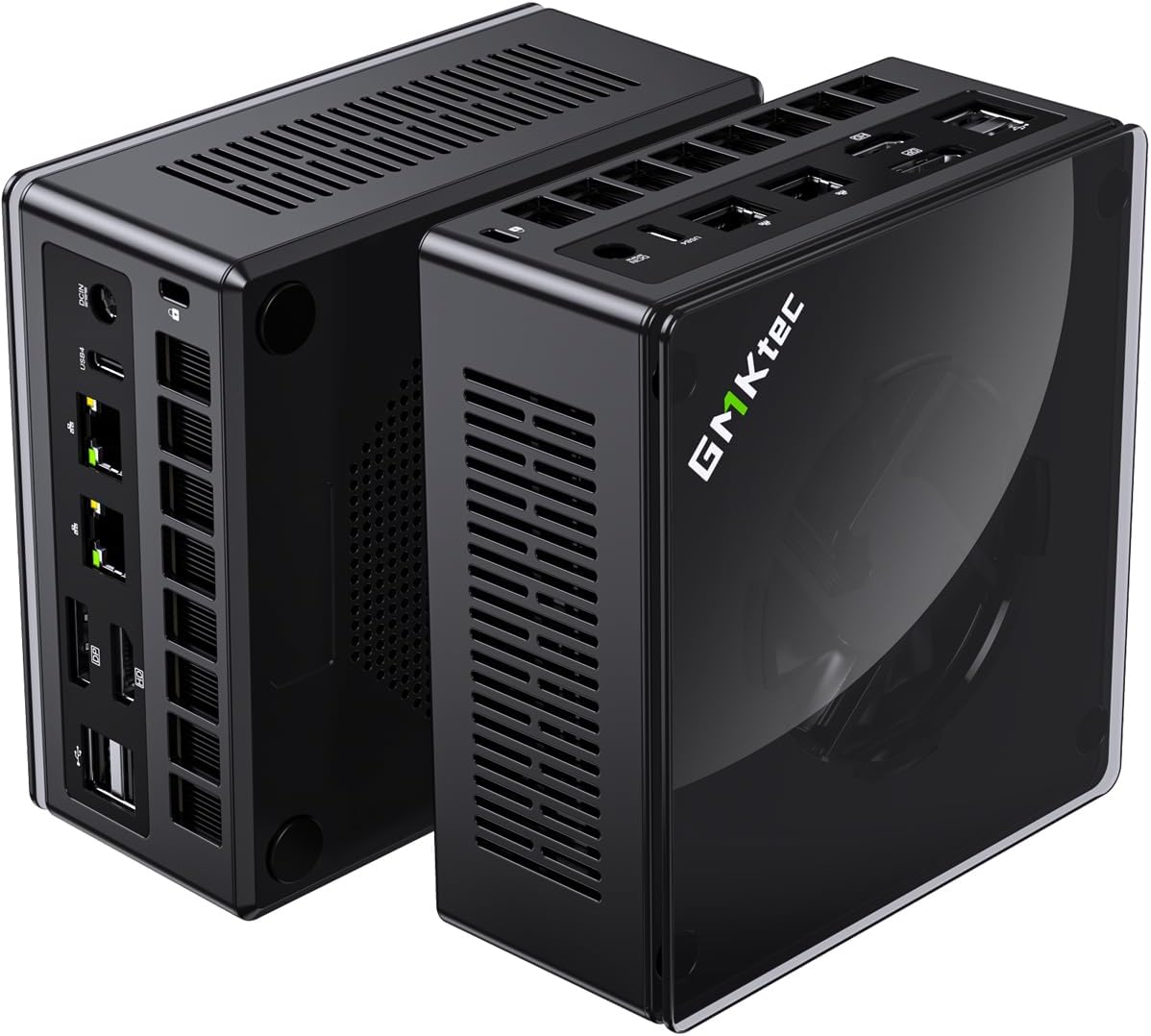
We have built a Proxmox staging cluster using a pair of Itel NUC Computers and an AMD NUC Computer for staging, testing, and experimental purposes.
Node Hardware
The hardware configuration for this system is as follows:
| Node | Model | CPU | RAM | Storage | Network |
|---|---|---|---|---|---|
| pve1 | ASUS NUC 15 Pro Tall | Intel S2 Core Ultra 7 255H 3.0 GHz (16 CPUs) | 128 GB DDR5 | 1 TB M.2 NVMe | 3 x 2.5 GbE |
| pve2 | ASUS NUC 15 Pro Tall | Intel S2 Core Ultra 7 255H 3.0 GHz (16 CPUs) | 128 GB DDR5 | 1 TB M.2 NVMe | 3 x 2.5 GbE |
| pve3 | GMKtec K8 Plus Mini PC | AMD Ryzen 7 8845HS 3.8 GHz (16 CPUs) | 96 GB DDR5 | 1 TB M.2 NVMe | 3 x 2.5 GbE |
Each NUC has an onboard 2.5 GbE Ethernet Interface with two Plugable 2.5GB USB-C Ethernet Adapters added for additional Network Interfaces.
Proxmox Installation/ZFS Storage
Proxmox installation is straightforward. We used the same procedure as our Production Cluster.
Networking Configuration
| Virtual Bridge | Purpose | VLAN | Speed | Adapter |
|---|---|---|---|---|
| vmbr0 (Mgmt) | Proxmox Management | Computers | 2.5 GbE | LAN on NUC |
| vmbr1 (Services) | Services | All VLANs | 2 x 2.5 GbE (Bond) | 2 x 2.5 GbE USB-C Adapters |
| vmbr2 (Storage) | HA Storage for VMs/LXCs | Storage |
The Networking configuration on our test node mirrors the setup in our Production Cluster. The table above outlines the Staging Cluster Node networking setup. A single LACP Bond (2 x 2.5 GbE) is shared between the Services and Storage vmbr’s.
Storage Configuration

The table above shows the storage configuration for our Staging Cluster Nodes. PVE-Storage is implemented on our high-availability NAS.
Proxmox Backup Server Configuration
Backups for our Staging Cluster Nodes mirror the configuration and scheduling of Backups on our production Cluster (more info here).
Additional Configuration
The following additional items are configured for our Staging cluster nodes:
- Community License to enable access to Enterprise Repositories
- SSL Certificate from Lets Encrypt
- Postfix for e-mail forwarding
- Clock sync via NTP
- Monitoring via built-in InfluxDB and Grafana