Tag Archives: Tools

Visual Studio Code

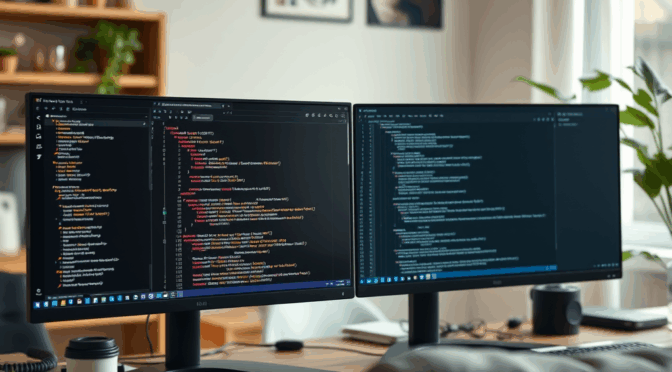
We use the Visual Studio Code editor extensively. It supports development, deployment, and change management tasks related to our Home Lab.

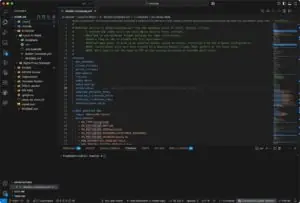
Visual Studio Code running in our Home Lab
Visual Studio Code

Its easy to setup Visual Studio Code on your computer. You can find a useful getting started guide here.

Extensions

One of the best features of this tool is the availability of Extensions. You can use them to change and extend VS Code’s functionality. Here’s a good video that will get you started with VS Code extensions –

Git and GitHub Integration

VS Code makes using Git and GitHub repositories much easier to use. Here’s a video to get you started –

Ansible and Ansible Semaphore

Ansible

We are using Ansible to set up and automate maintenance tasks linked to our Home Lab. Our current Playbooks include:

Learning Ansible

We recommend the Ansible Playlist from the Learn Linux TV YouTube Channel. It is a good starting point to learn how to install and use Ansible.

We also learned some of the more advanced capabilities of Ansible using this playlist –

Our current set of Playbooks make use of a structure that features –

  • Top level Hosts file which groups URLs of all of our servers, VMs, and LXCs in our Home Lab
  • Playbooks that handle major configuration and maintenance functions including those listed at the top of this page.
  • Group and Host Variable files which tailor our Playbooks for different servers and applications

All of our Ansible files are stored in a private GitHub repository. We use Visual Studio Code to create and manage our Ansible Playbooks and files.

Ansible Playbooks and Semaphore

We are exploring Ansible Semaphore to improve the management and automation of our Ansible playbooks.

The next video covers Docker installation and getting started Ansible Semaphore –