Our Unifi system can support several different VPN configurations. We used the VPN server built into our Unifi Dream Machine SE and configured it to use Wireguard clients on our iPhones, iPads, macOS laptops, and Windows laptops. The Unifi system makes setting up our WireGuard VPNs simple.
The following video explains the various VPN options and how to configure them.
We use DDNS to ensure that our domains point to our router when our ISPs change our IP address. After the clients are installed, they are updated to point at our network’s current IP.
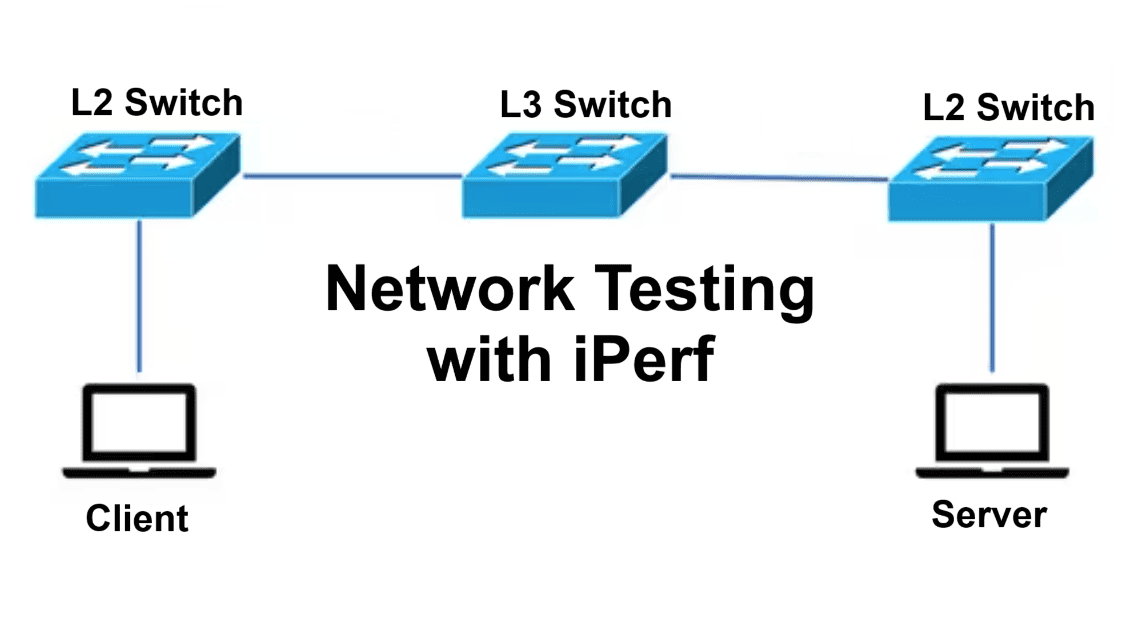
Iperf3 is a common tool for network performance testing. We run an Iperf3 server in a Docker container. You can find information on how to set up and use Iperf3 here.
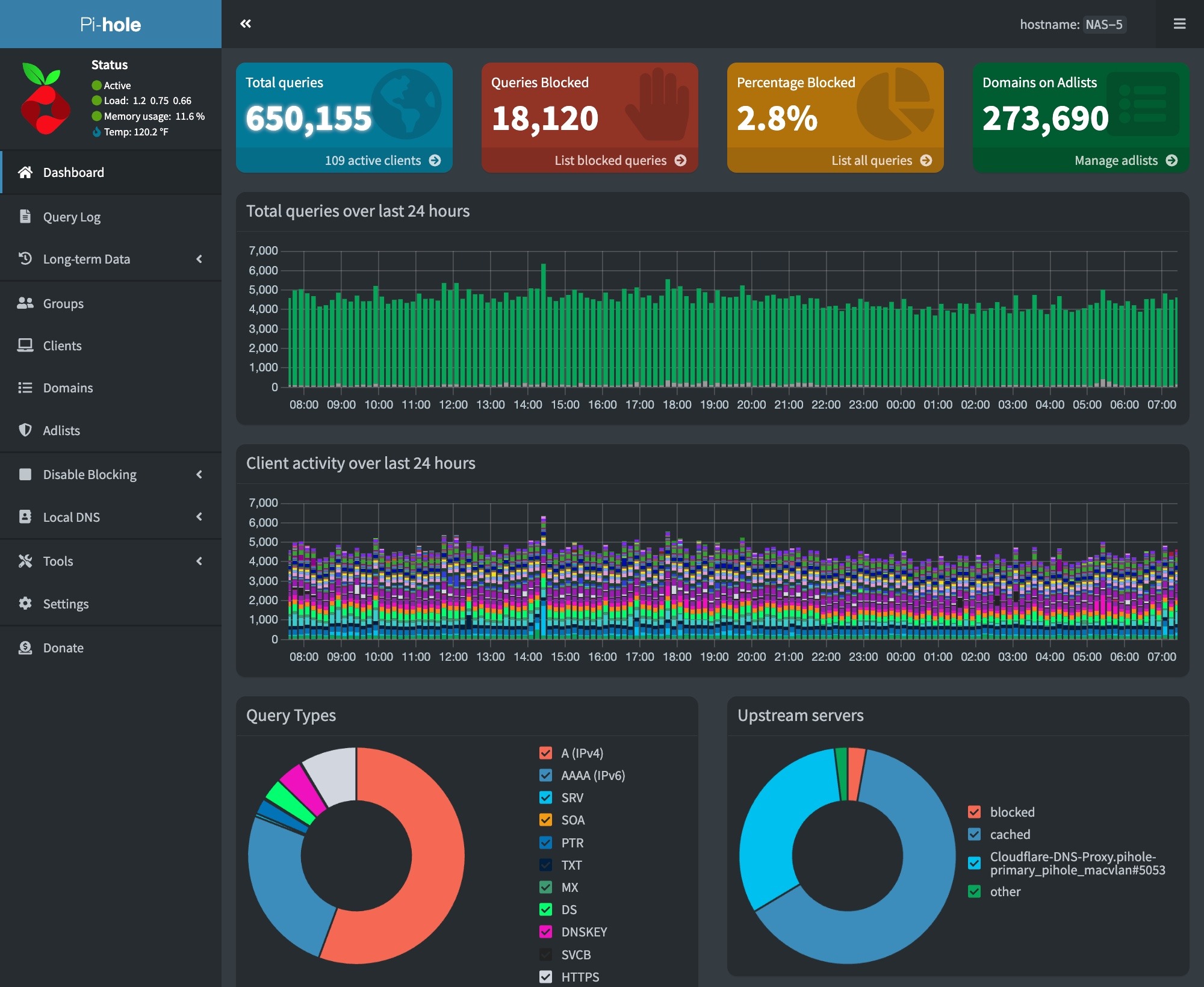
We are running three Pihole installations, which enable load balancing and high availability for our DNS services. We also use a Cloudflare encrypted tunnel to protect information in external DNS queries via the Internet.
Unubtu VMs include a DNS caching server on port 53, which prevents Pihole from being deployed. To fix this, run the commands at this link on the host Ubuntu VM before installing the Pihole and Cloudflare Tunnel containers.
Scheduled Block List Updates
We must update our block lists by doing a Gravity pull. We do this daily via a cron job. This can be configured on the RPi host using the following commands –
# Edit the user crontab
sudo crontab -u <user-id> -e

# The following to the user crontab
min hr * * * su ubuntu -c /usr/bin/docker exec pihole pihole -g | /usr/bin/mailx -s"RPi Docker - Gravity Pull" your-email@mydomain.com
We use Cloudflare to host our domains and the associated external DNS records. Cloudflare provides excellent security and scaling features and is free for our use cases.
We do not have a static IP address from either of our ISPs. This, coupled with the potential of a failover from our primary to our secondary ISP, requires us to use DDNS to keep the IPs for our domains up to date in Cloudflare’s DNS.
We run a docker container for each domain that periodically checks to see if our external IP address has changed and updates our DNS records in Cloudflare. The repository for this container can be found here.
Deploying the DDNS update container is done via a simple docker compose yml –