We’re running a Docker container called RSSHub, which detects RSS feeds available on websites that we browse. You can learn more about RSS Hub here.
RSS Hub Installation
This page covers the installation and use of the RSSHub container and the associated RSSHub Radar Chrome browser extension.
How to Install RSS Hub in Docker
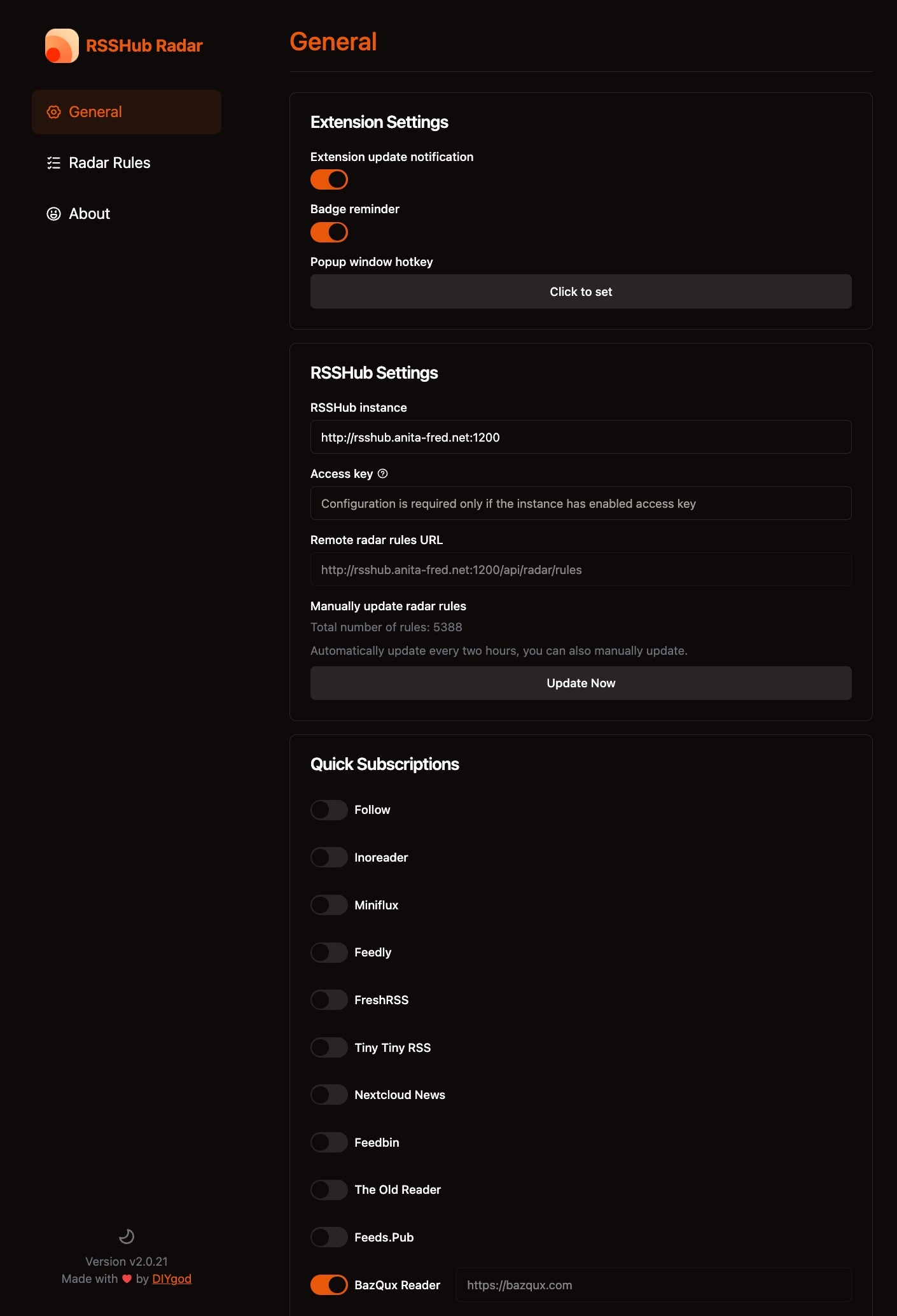
We use the BazQux RSS Reader with our installation. The following shows our configuration for the RSS Hub Radar Chrome Extension, which is used with RSSHub –
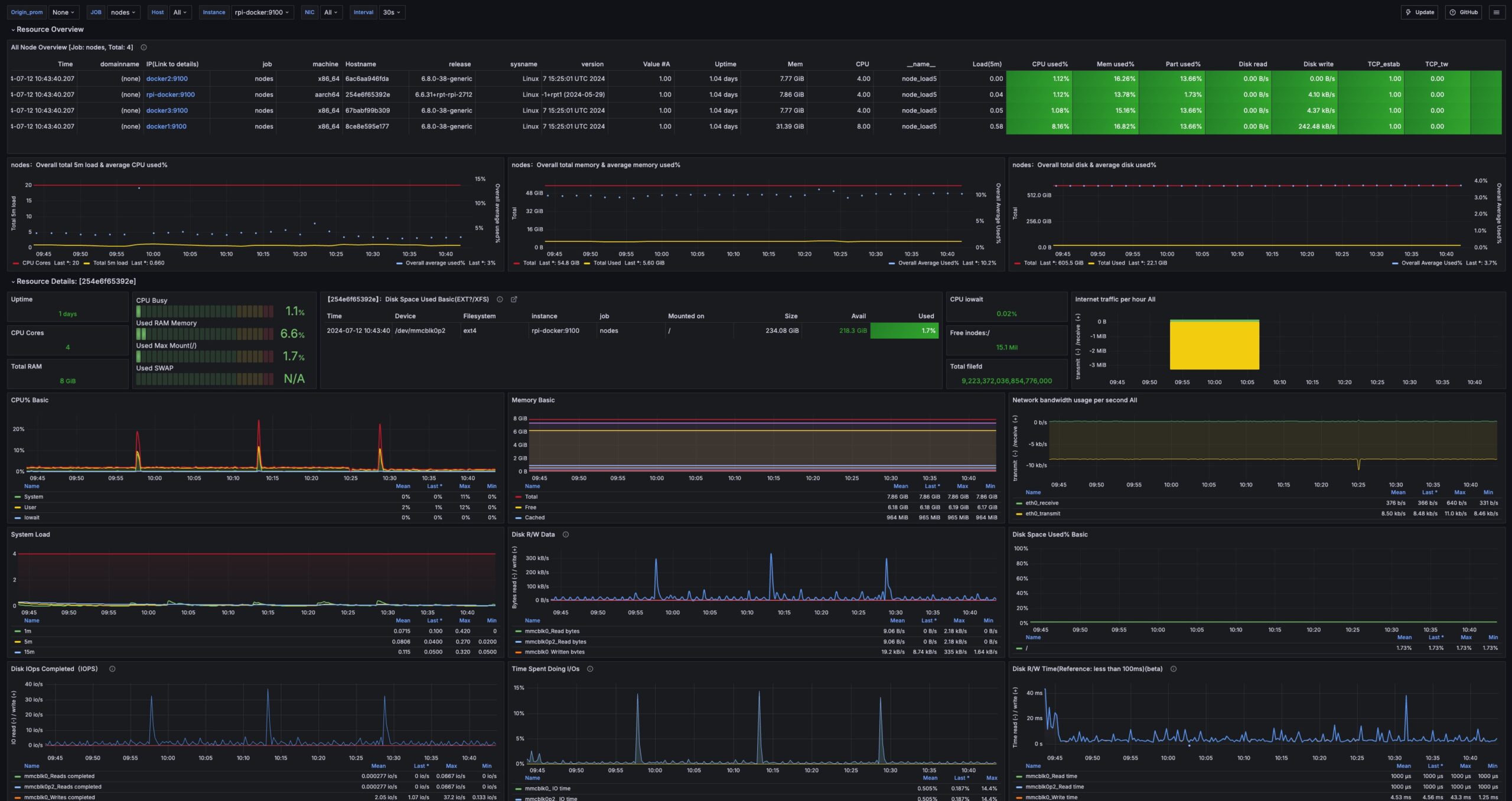
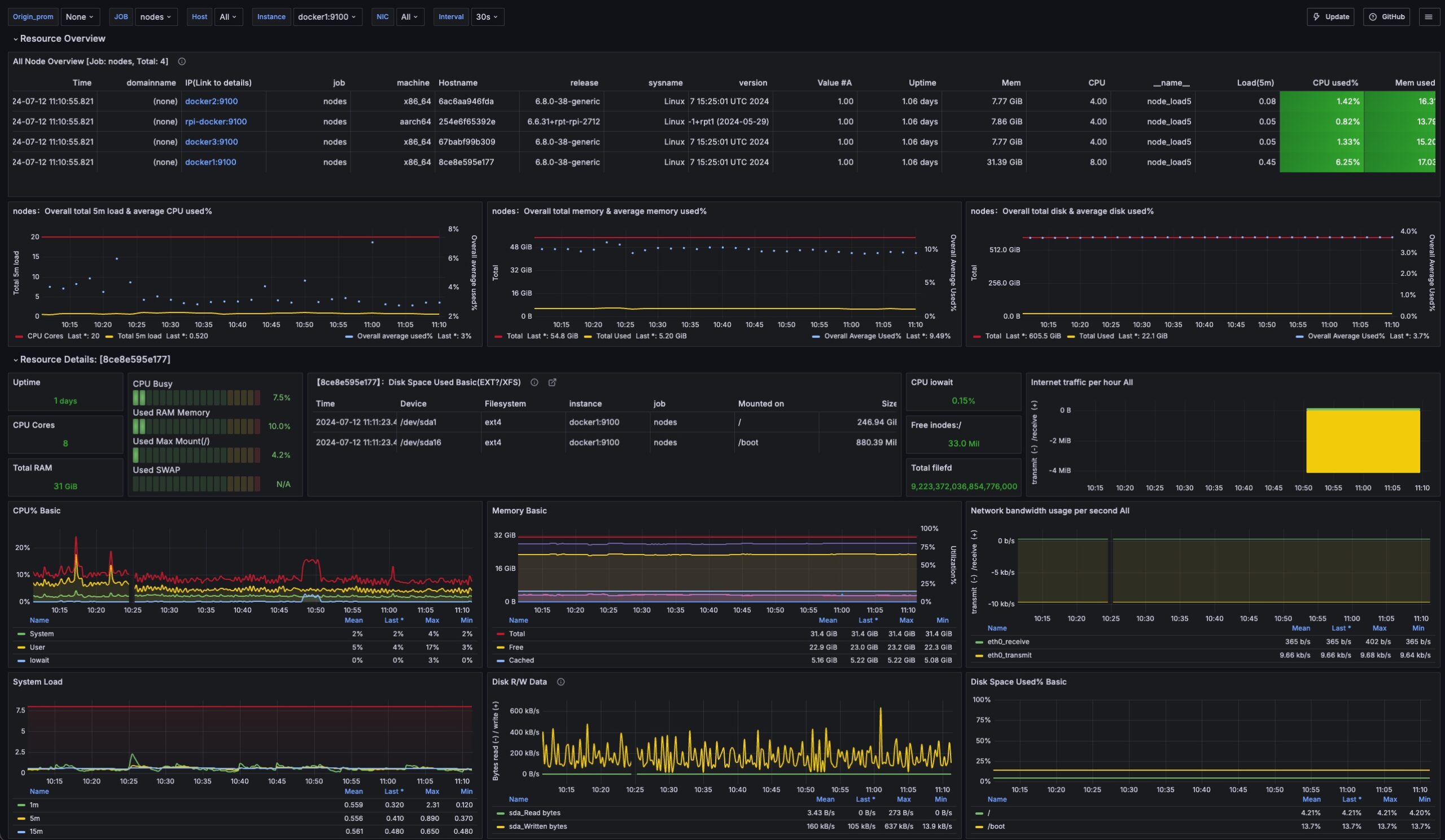
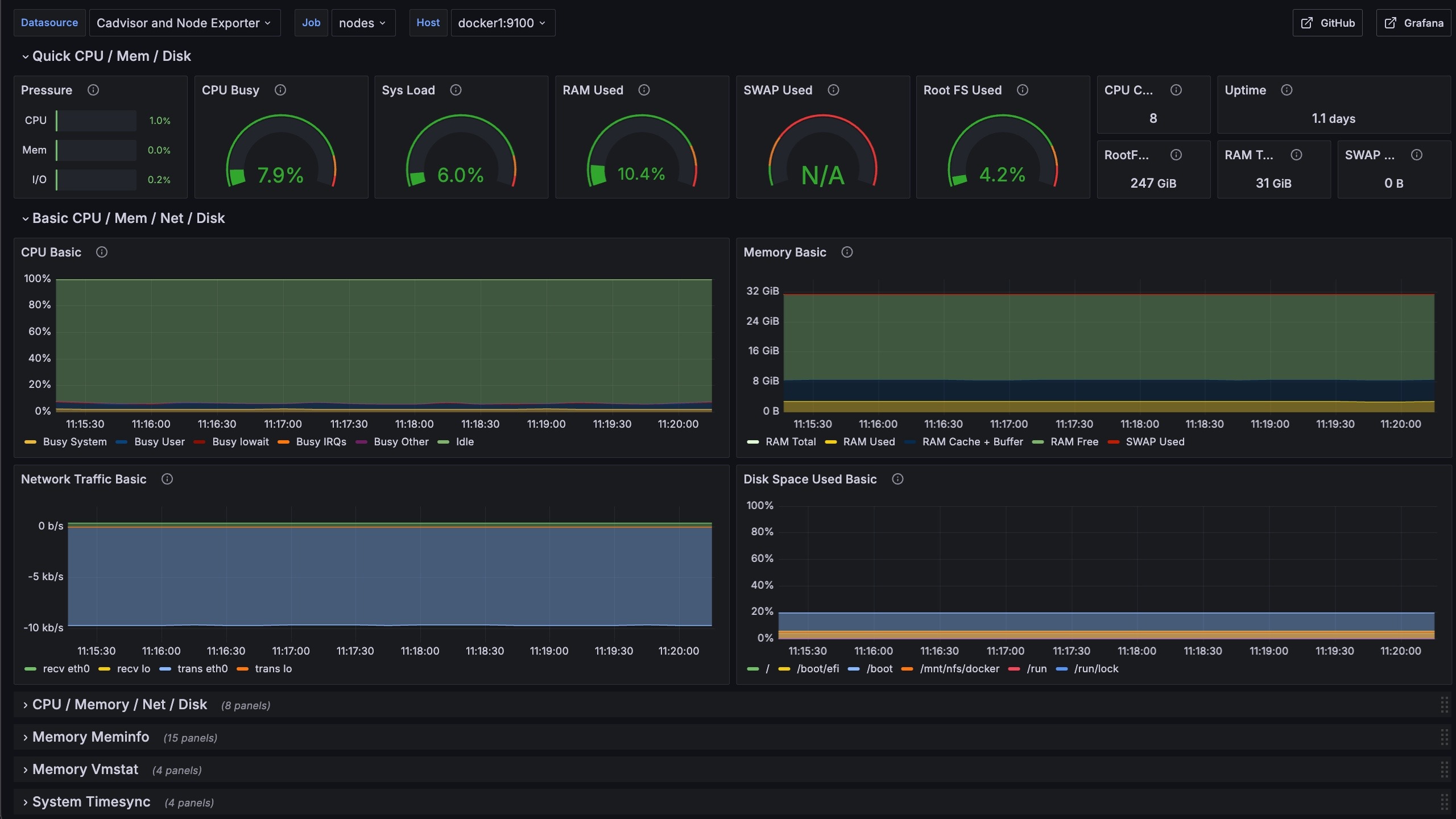
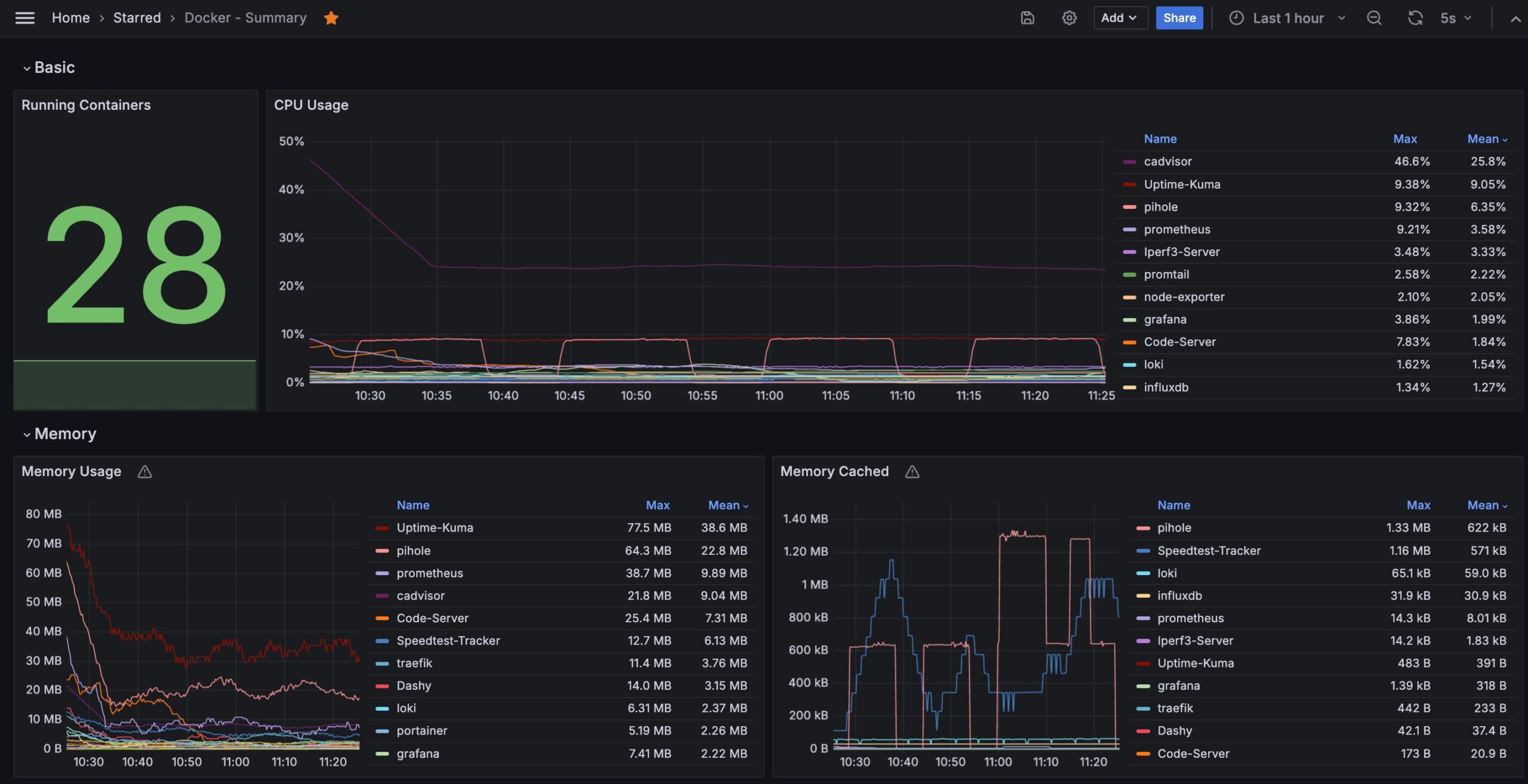
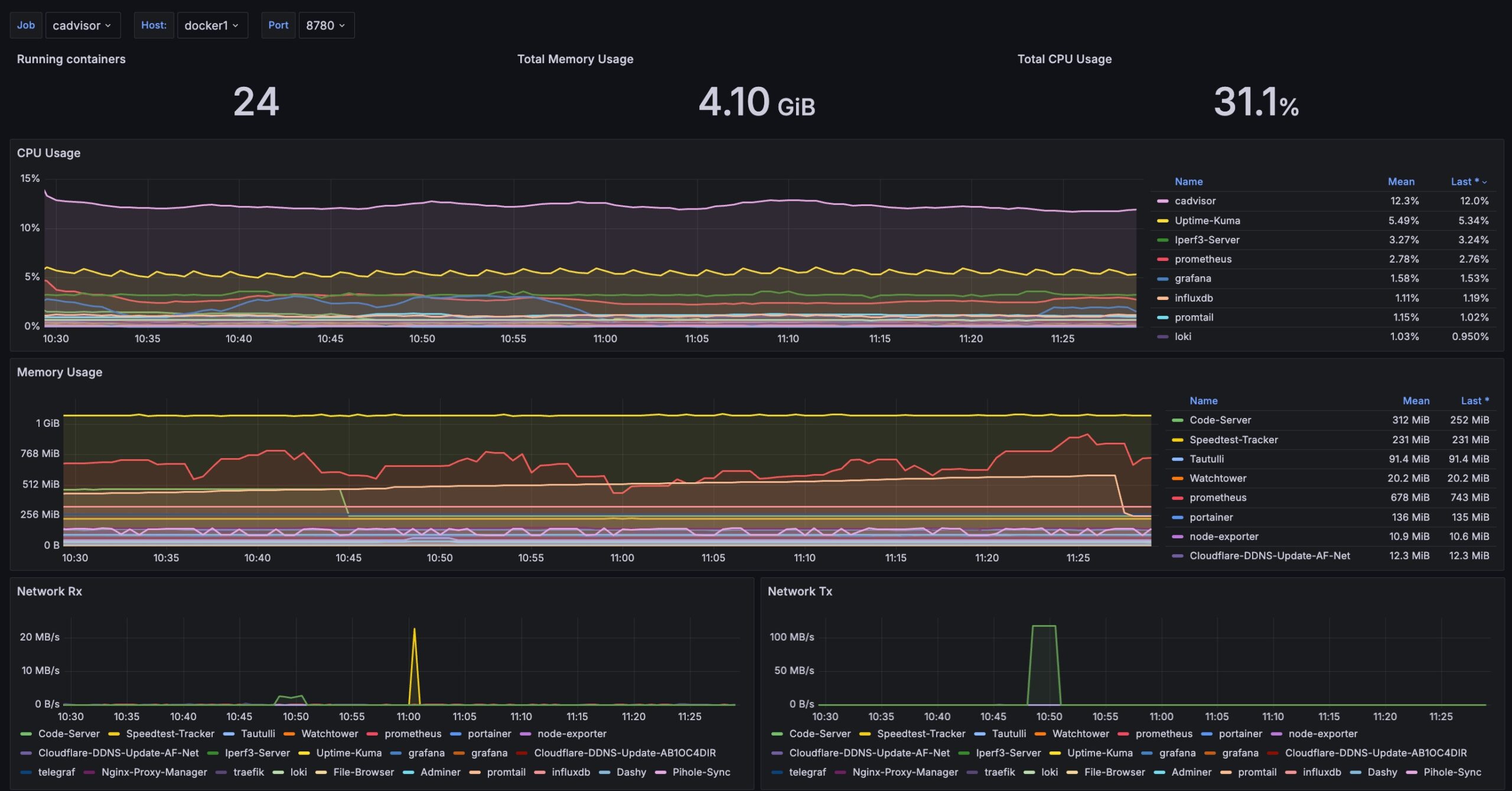
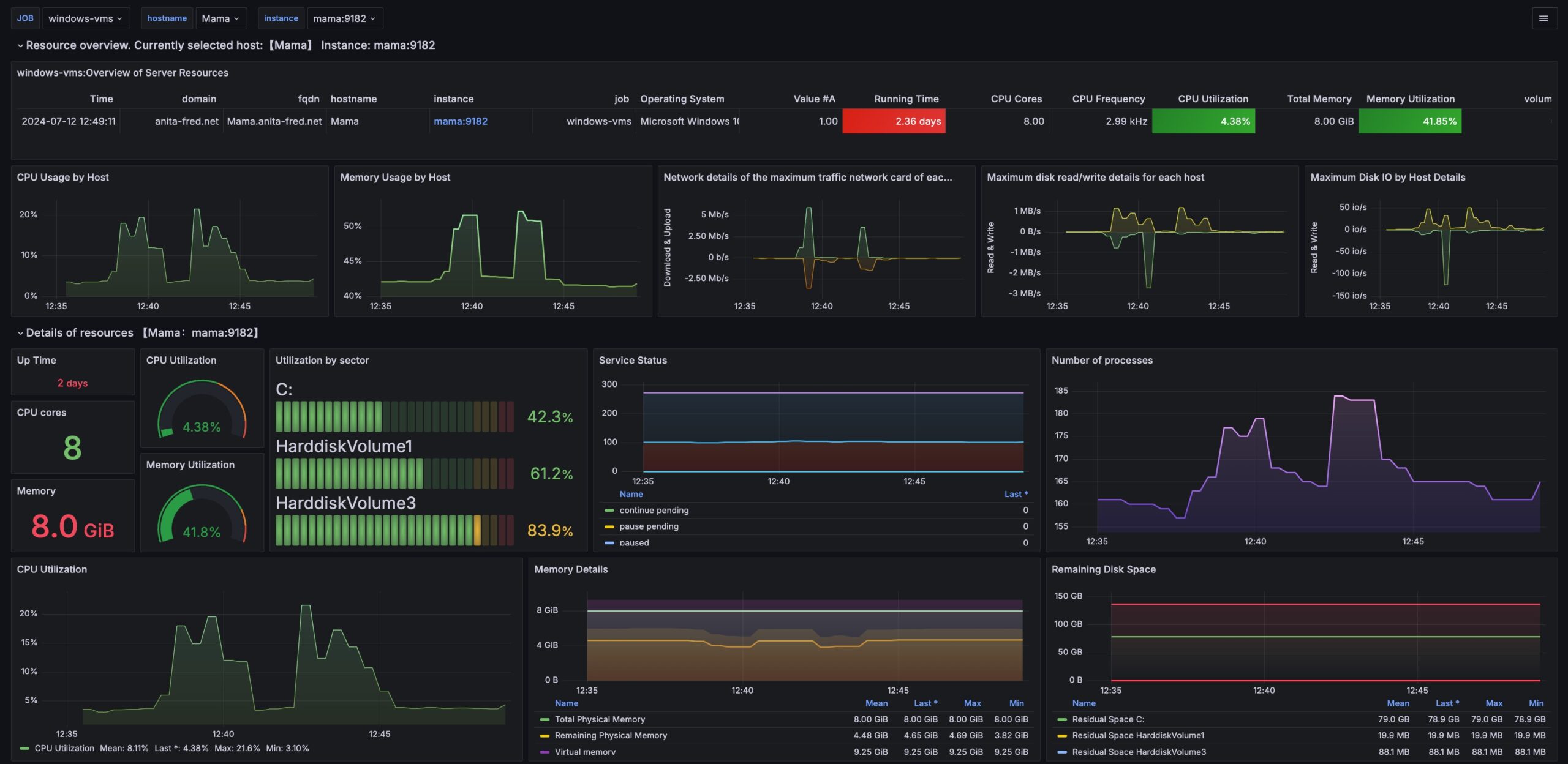
These data collectors enable several Grafana dashboards that help us manage our Docker cluster.
Monitoring Setup
We run a combination of Node Exporter and cAdvisor on each Docker host VMs. These containers scrape data for our Docker hosts and feed it to the Prometheus instance in our Docker stack.
The following video explains how all of this is set up –
Dashboards
We are using several dashboards to implement our Docker monitoring solution.
The following sections cover the setup and configuration of our monitoring stack.
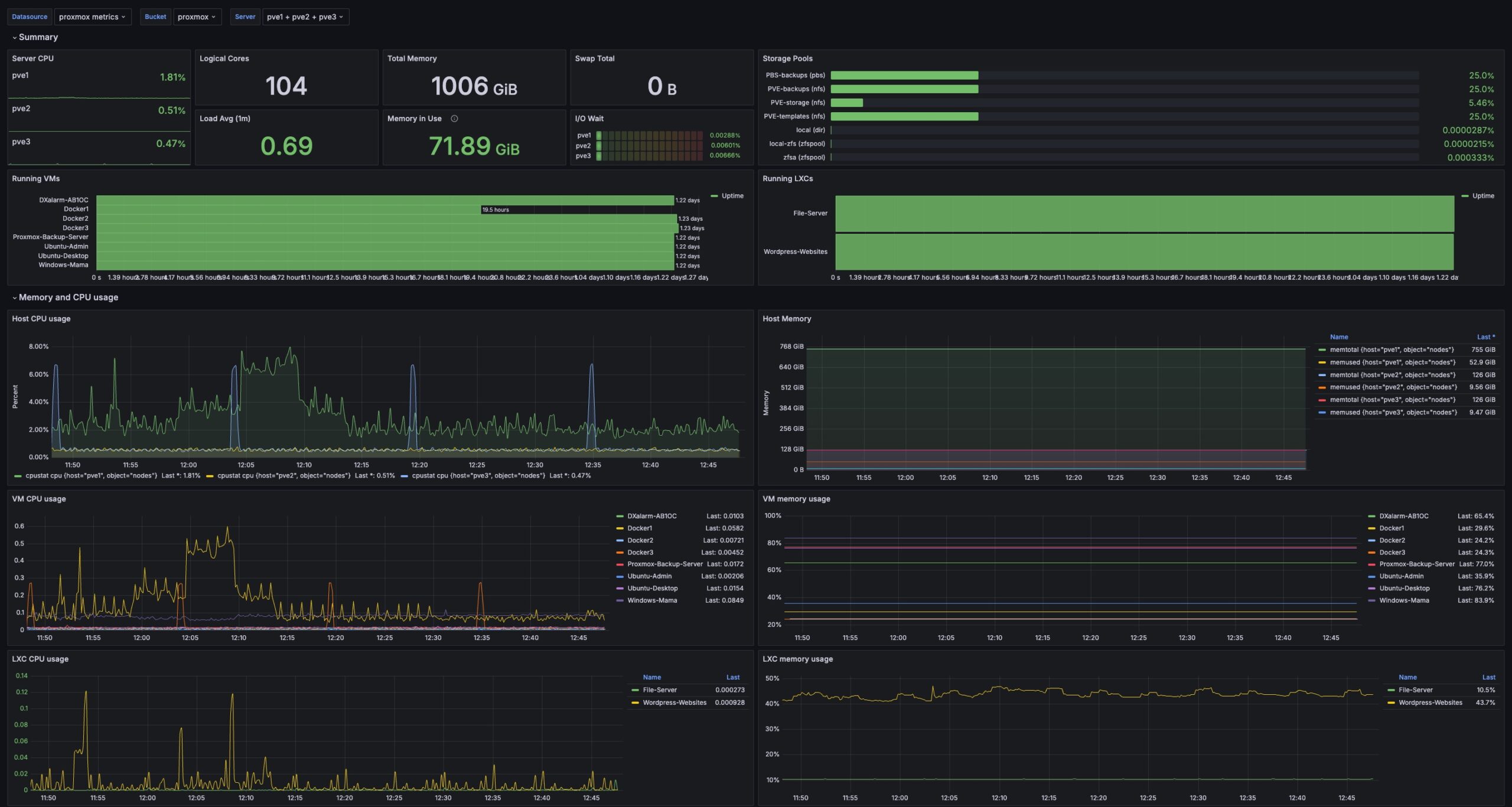
Proxmox Monitoring Setup
The following video explains how to set up a Grafana dashboard for Proxmox. This installation uses the monitoring function built into Proxmox to feed data to Influx DB.
And here is a video that explains setting up self-signed certificates –
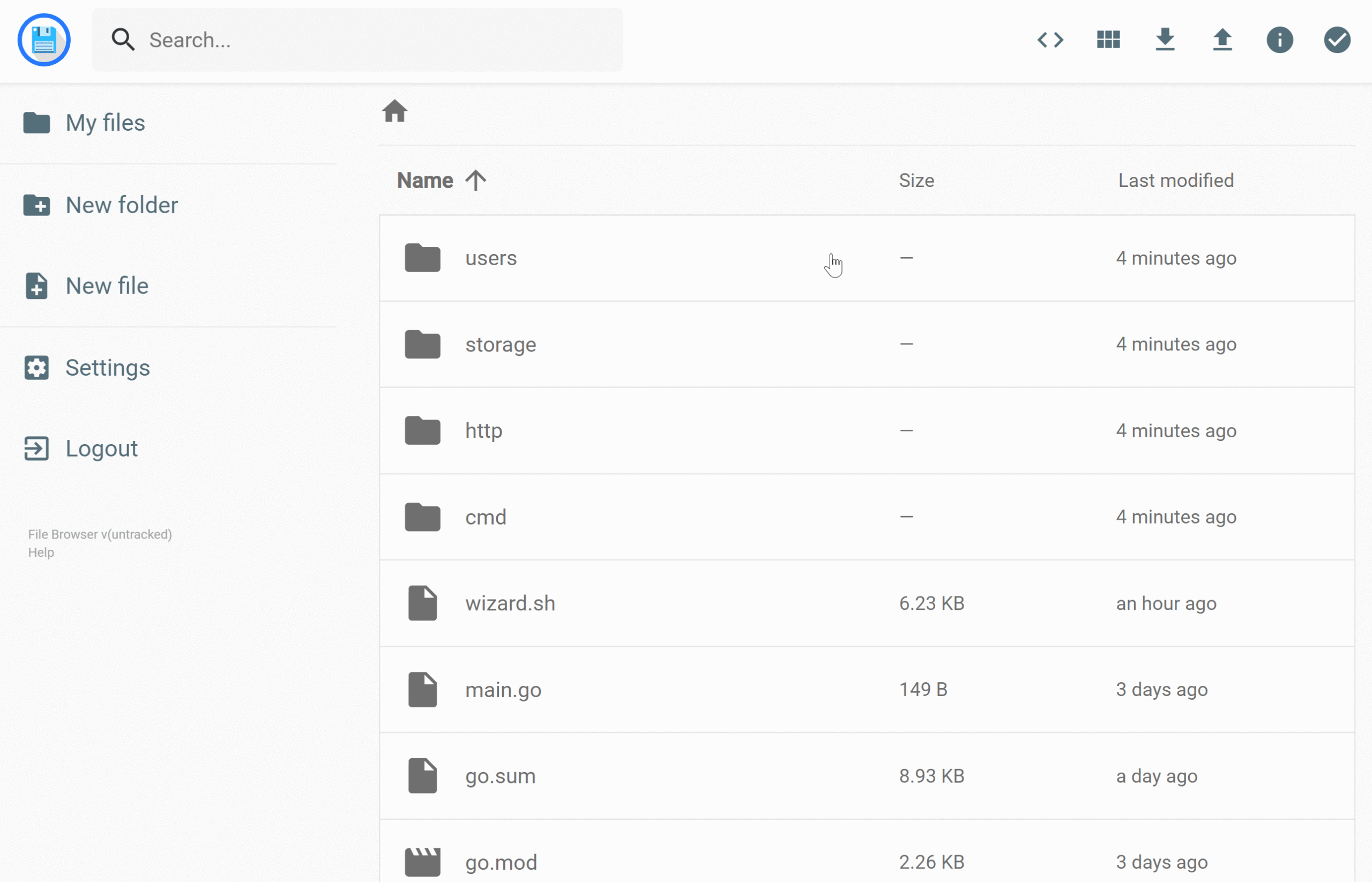
It is helpful to have access to files and directories associated with our Docker persistent volume stores. File Browser is a simple Docker container that provides a file manager.
Installation
The following video covers the installation and use of the File Browser container.