We use UniFi equipment throughout. We chose the UniFi platform for our second-generation home network primarily for its single-plane glass management and configuration capabilities.
Network Structure
Network Structure
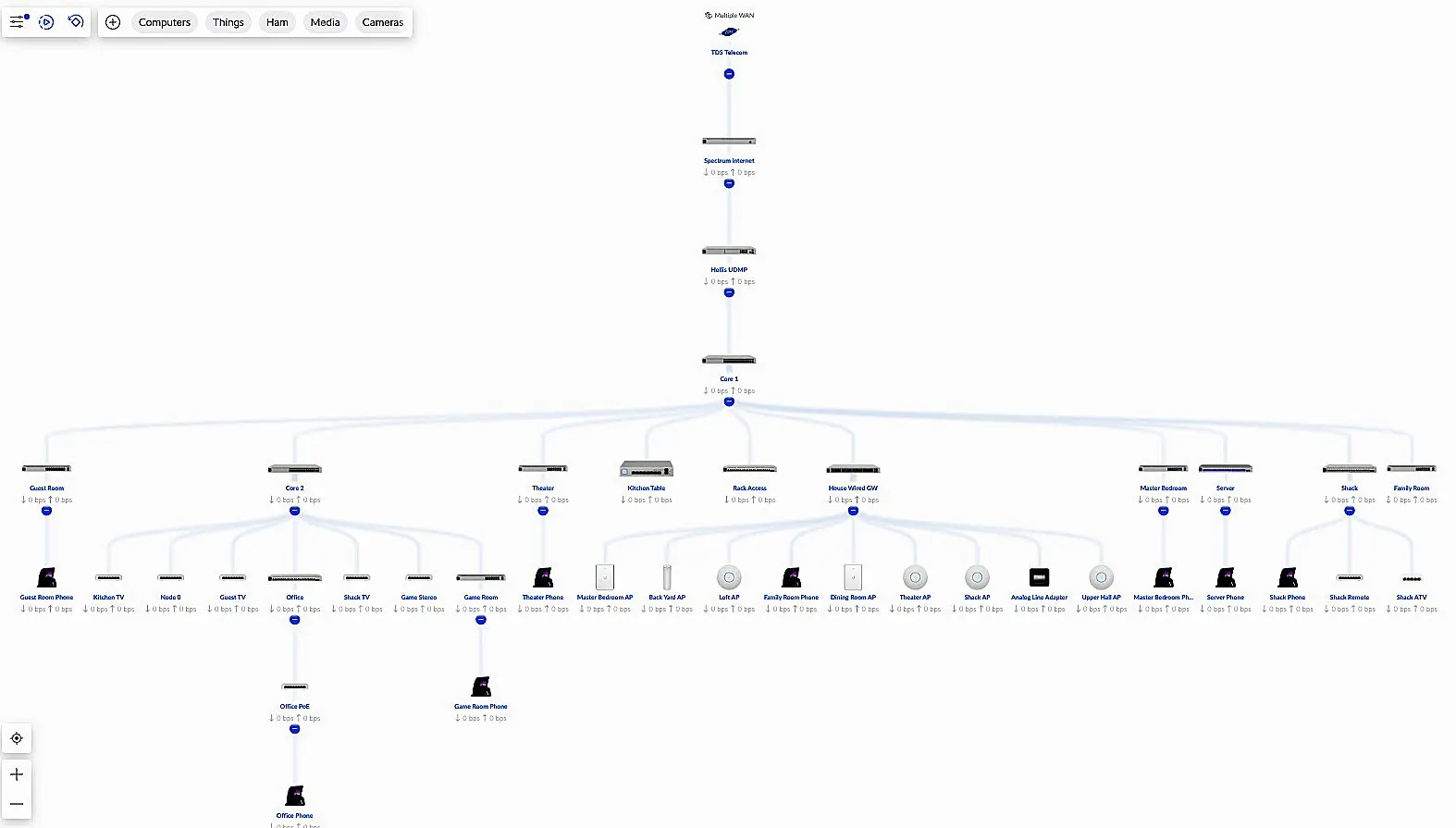
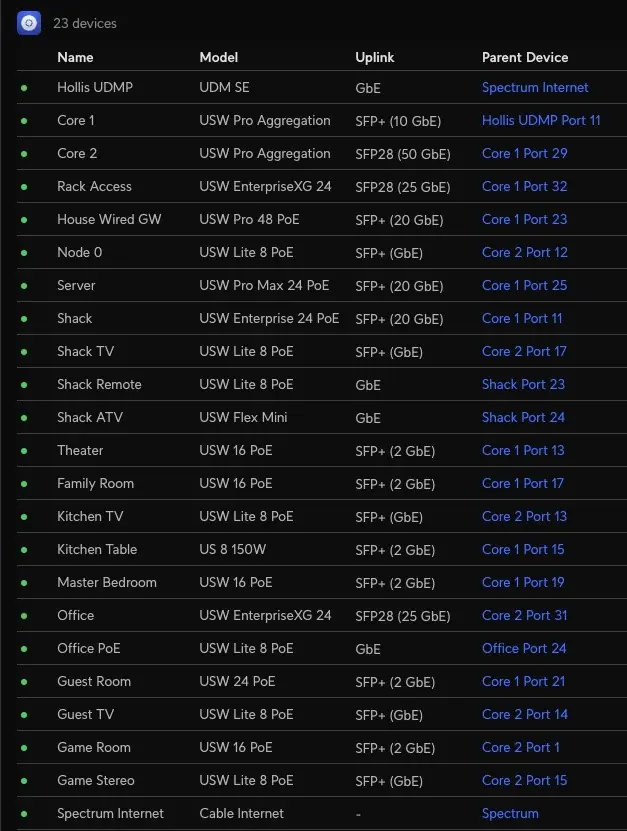
The image above shows our network’s structure. Our Network is a two-tiered structure with a core based upon high-speed 25 GbE capable aggregation switches and optically connected edge switches. We have installed multiple OM4 fiber multi-mode fiber links from the core to each room in our house. The speed of these links ranges from 1 Gbps to 25 Gbps, with most connections running as dual-fiber LACP LAG links.
Access Layer
At the top layer, redundant Internet connections provide Internet Access and ensure that we remain connected to the outside world.
Firewall, Routing, and Management Layer
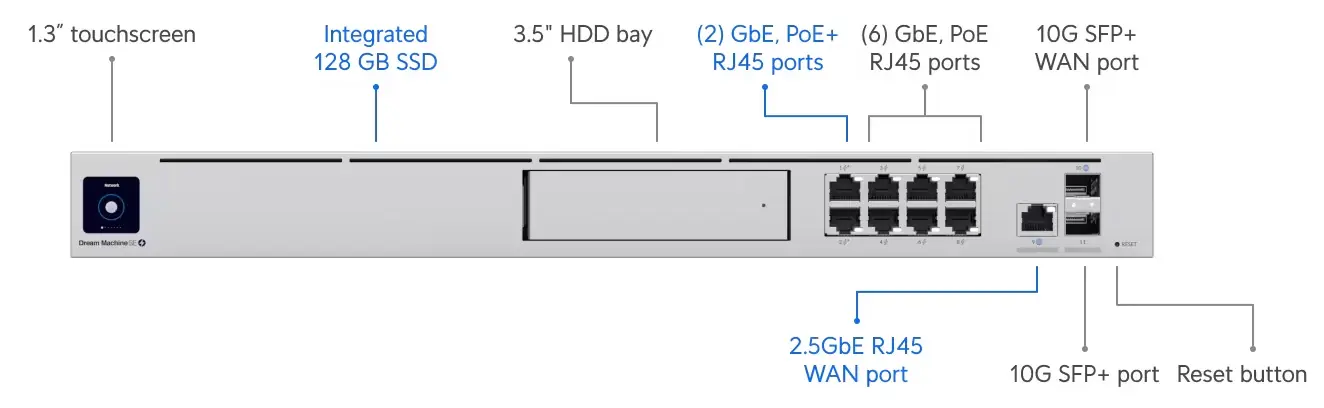
UniFi Dream Machine Pro SE
Our network’s firewall and routing layer implement security and routing functions using a UniFi UDM Pro router and firewall.
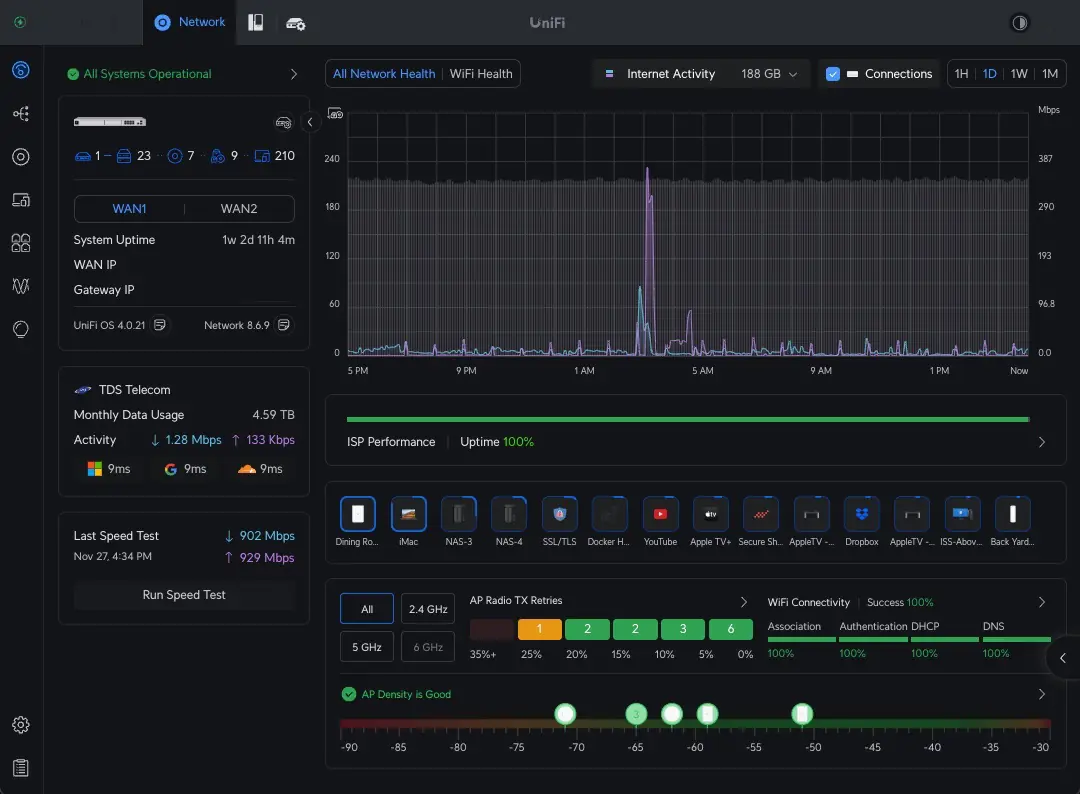
Home Network Dashboard
The UDM also provides a single-pane-of-glass management interface. All configuration functions are performed via the GUI provided by the UDM.
Core Aggregation Layer
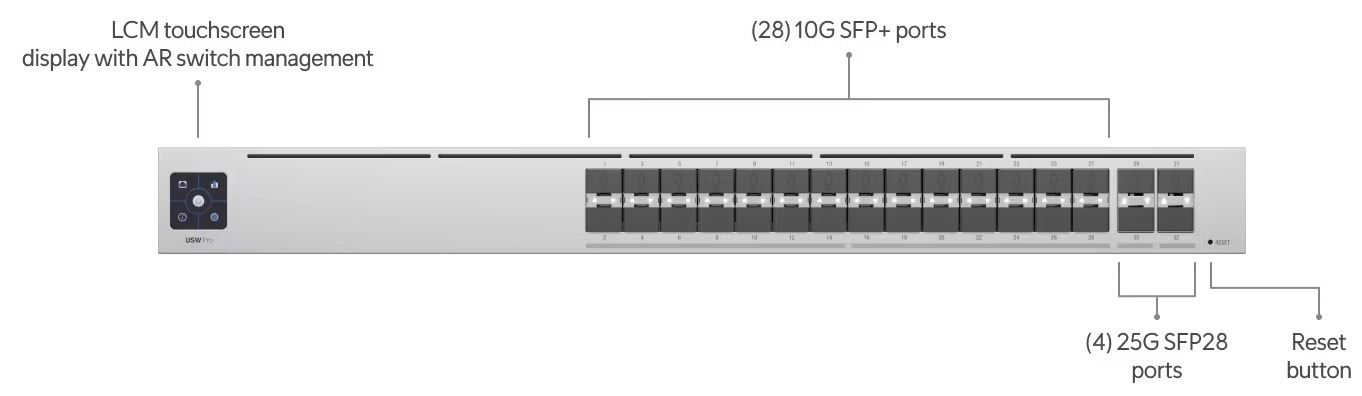
UniFi High-Capacity Aggregation Switch
The core layer uses a pair of high-capacity Aggregation Switches to provide optical access links to all of the switches in our network’s edge layer. We also include a high-speed 10 GbE wired ethernet switch at this layer. All of our storage devices and servers are connected directly to the core layer of our network to maximize performance and minimize latency.
Edge Connectivity Layer
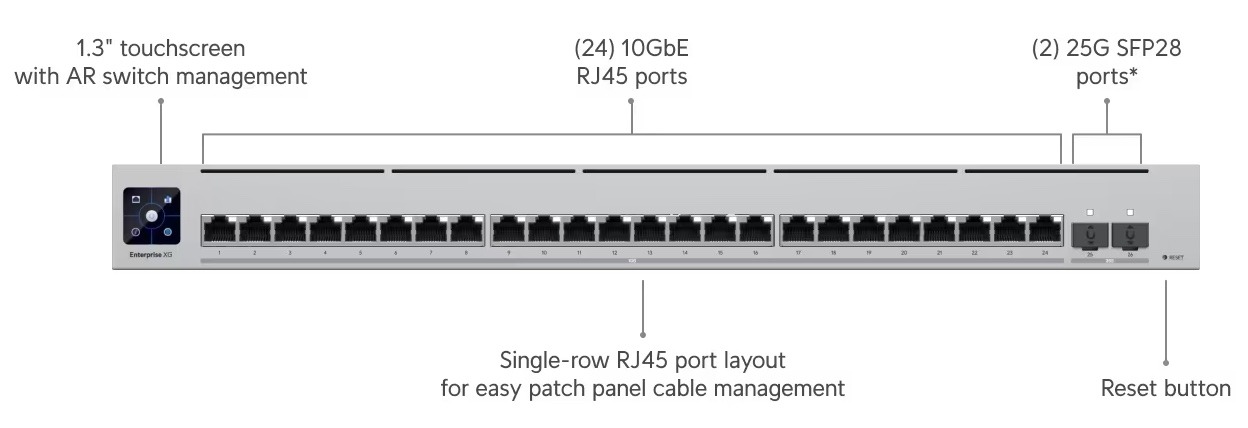
Example UniFi High-Speed Edge Switch
The edge layer uses various switches connected to the core layer, combining 25 GbE, 10 GbE, and 1 GbE optical links. Many of these links are built using pairs of optical links in an LACP/LAG configuration.
UniFi Firewall/Router, Core, and Edge Switches In Our Network
Our edge switches are deployed throughout our home. We use a variety of edge switches in our network, depending on each room’s connectivity needs.
This site is dedicated to documenting the setup, features, and operation of our Home Lab. Our Home Lab consists of several different components and systems, including:
A high-performance home network with redundant Internet connections
A storage system that utilizes multiple NAS devices
Multiple enterprise-grade servers in a high-availability cluster
Applications, services, and websites
Powered via dual-UPS protected power feeds and a backup generator
Check out our recently added What’s New section – a Blog to share our latest projects and useful information to benefit the Home Lab community.
Home Network
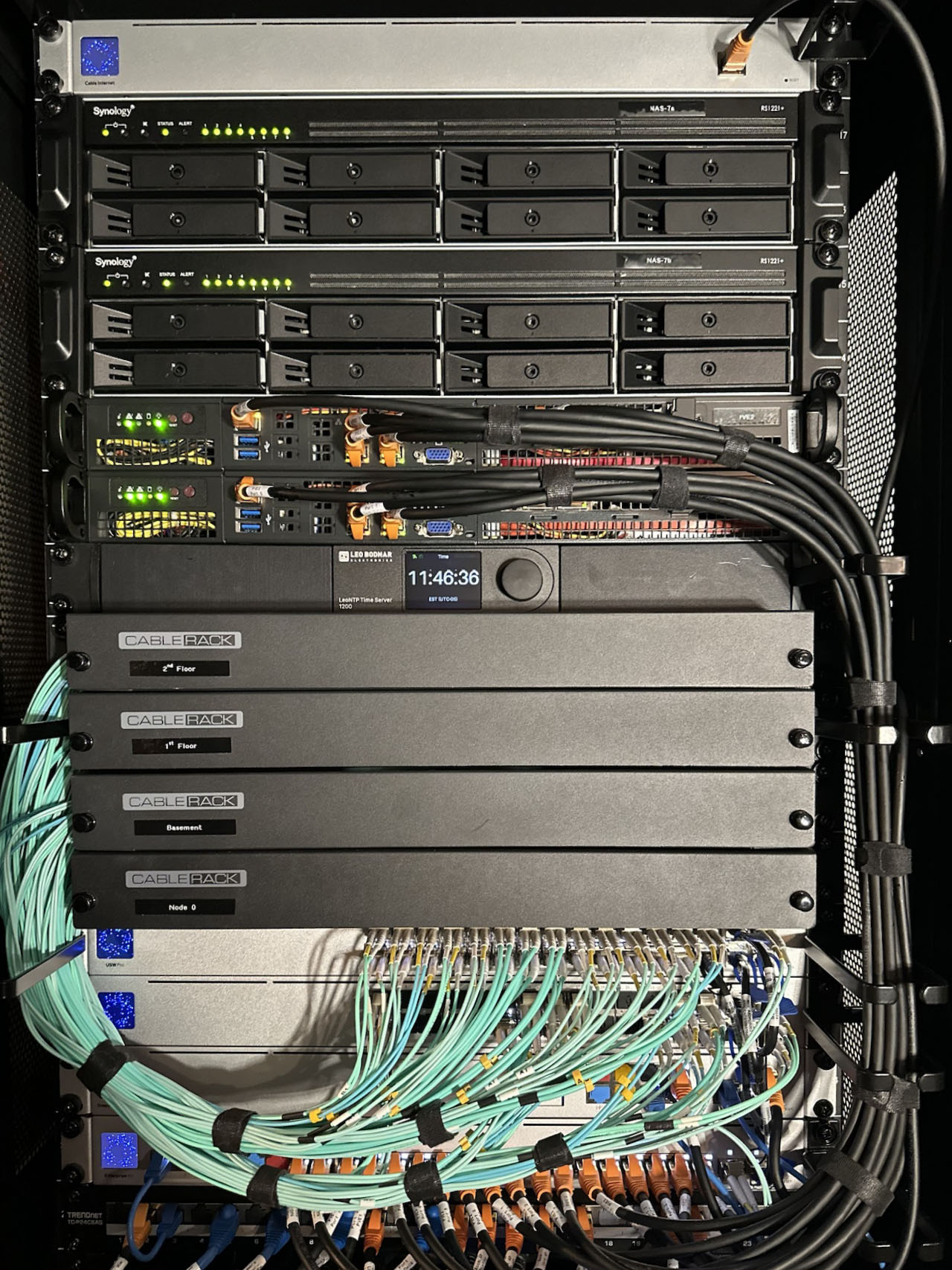
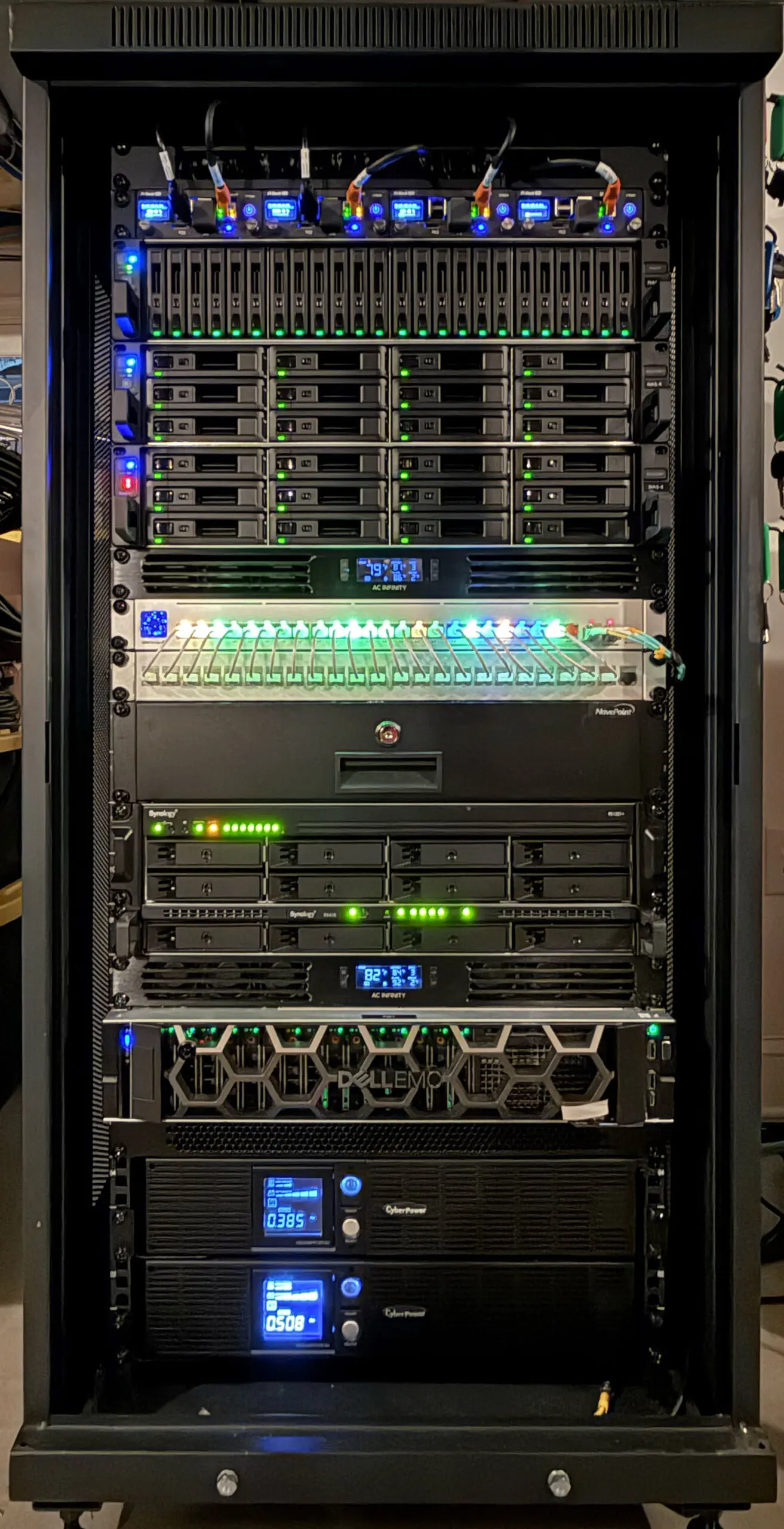
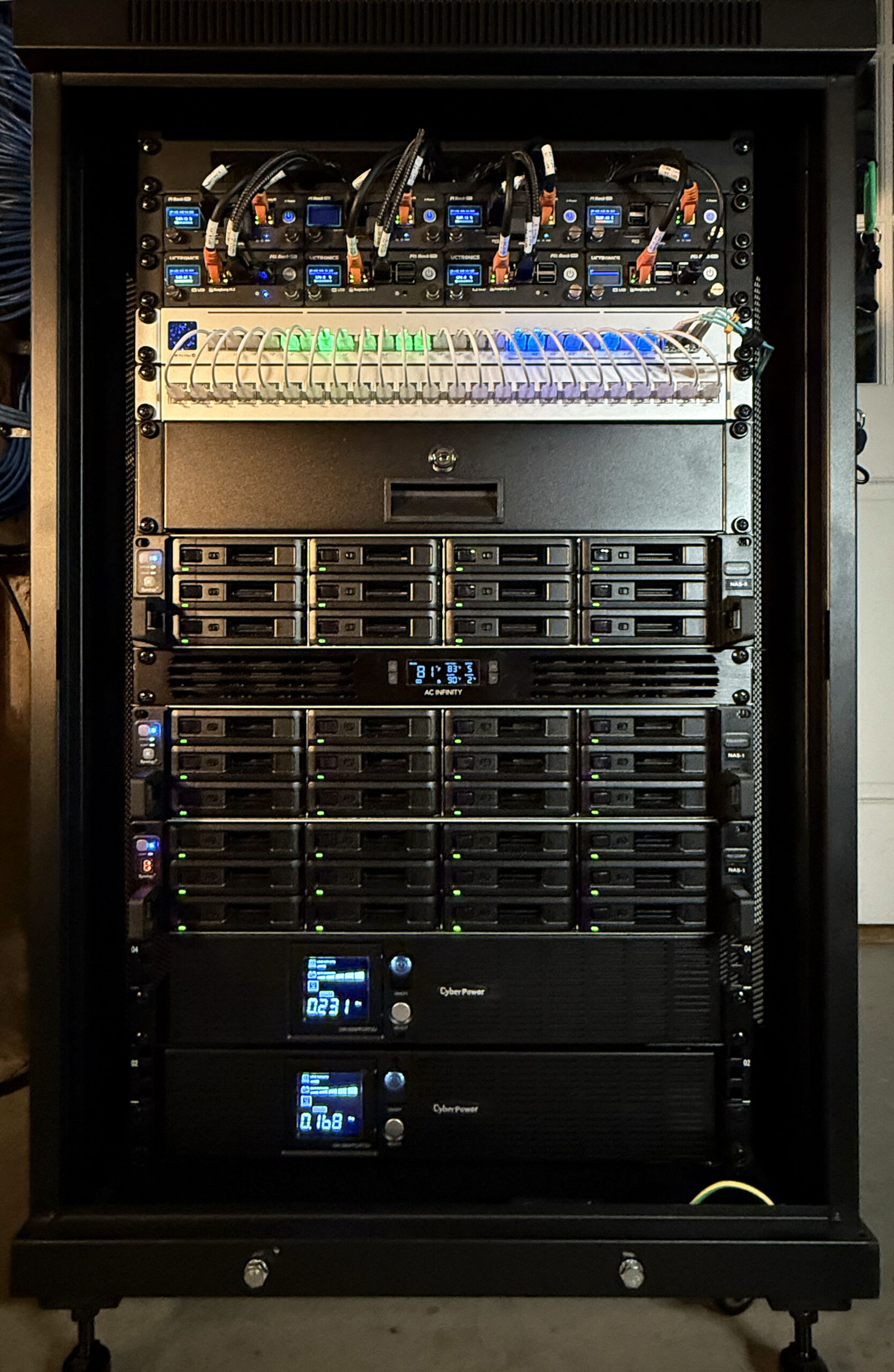
Home Network Core, High-Availability Storage, and Secondary Server Rack
Our Home Network uses a two-tiered structure with a core based upon high-speed 25 GbE-capable aggregation switches and optically connected edge switches. We use Ubiquity UniFi equipment throughout. We have installed multiple OM4 multi-mode fiber links from the core to each room in our house. The speed of these links ranges from 1 Gbps to 25 Gbps, with most connections running as Dual-Fiber LACP LAG links.
We have redundant Internet connections, which include 1 Gbps optical fiber and a 400 Mbps/12 Mbps cable modem service.
Our servers run Proxmox in a high-availability configuration. In total, we have 104 CPUs and 1 TB of RAM available in our primary Proxmox cluster.
This rack includes an all SSD storage high-speed NAS that we use for video editing. It also includes a NAS which stores our video and audio media collection and provides access to this content throughout our home and on the go when we travel.
High-Capacity Storage System
Main NAS Storage Rack
Our NAS Rack provides high-capacity storage via several Synology NAS Drives. It features redundant UPS power and includes additional rack-mounted Raspberry Pi systems that provide several functions in our Home Lab. This rack also houses our Raspberry Pi NAS and NAS 2 systems.
Our total storage capacity is just over 1 Petabyte. Our setup also provides approximately 70 TB of high-speed solid-state storage.
Power Over Ethernet (PoE)
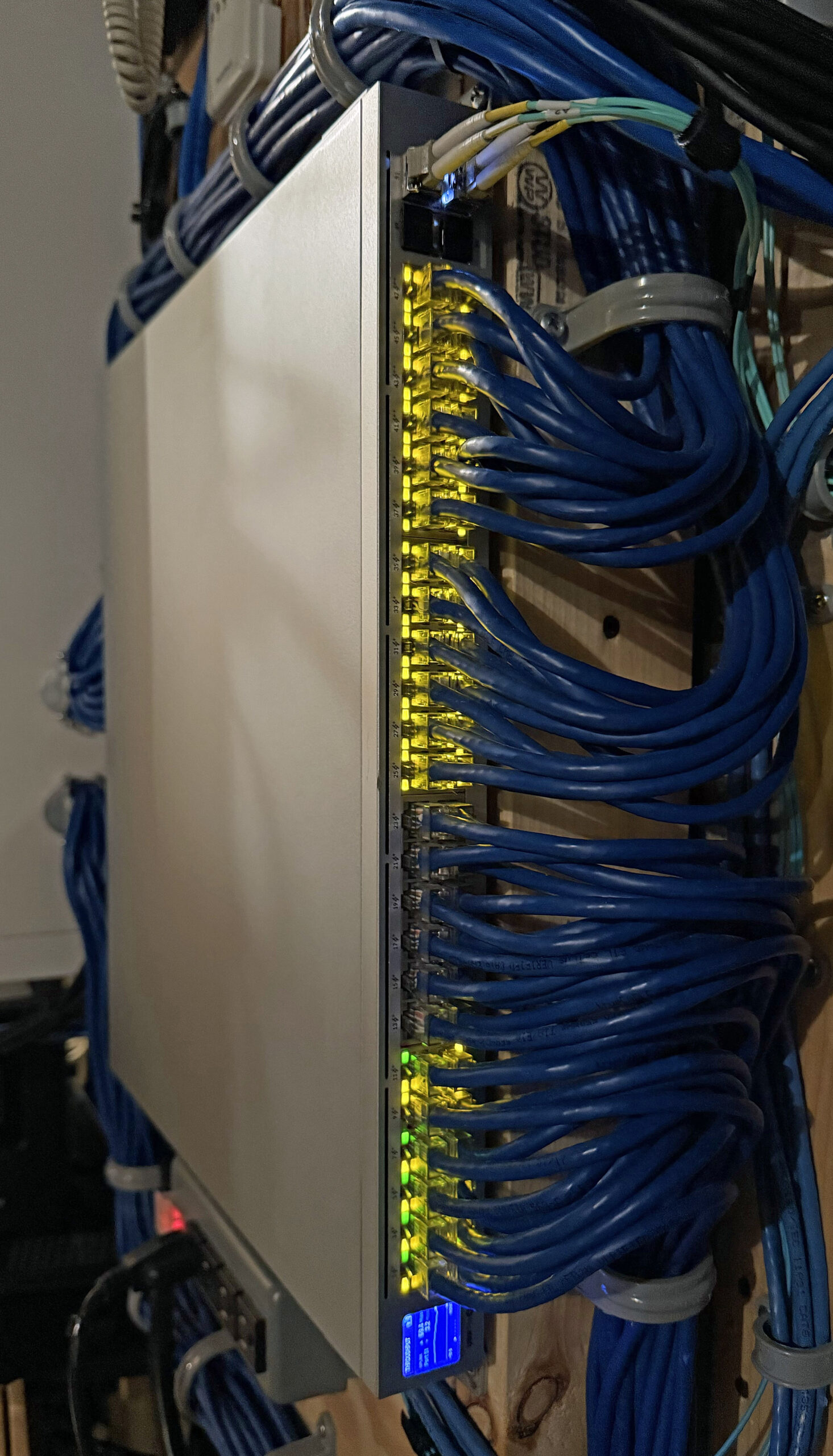
Main Power Over Ethernet (PoE) Switch
We use Power over Ethernet (PoE) switches at many edge locations in our network to power devices over Ethernet cables.
The switch shown above is located centrally, where all of the CAT6 Ethernet connections in our home terminate. It powers our Surveillance Cameras, IP Telephones, Access Points, etc.
Home Media System
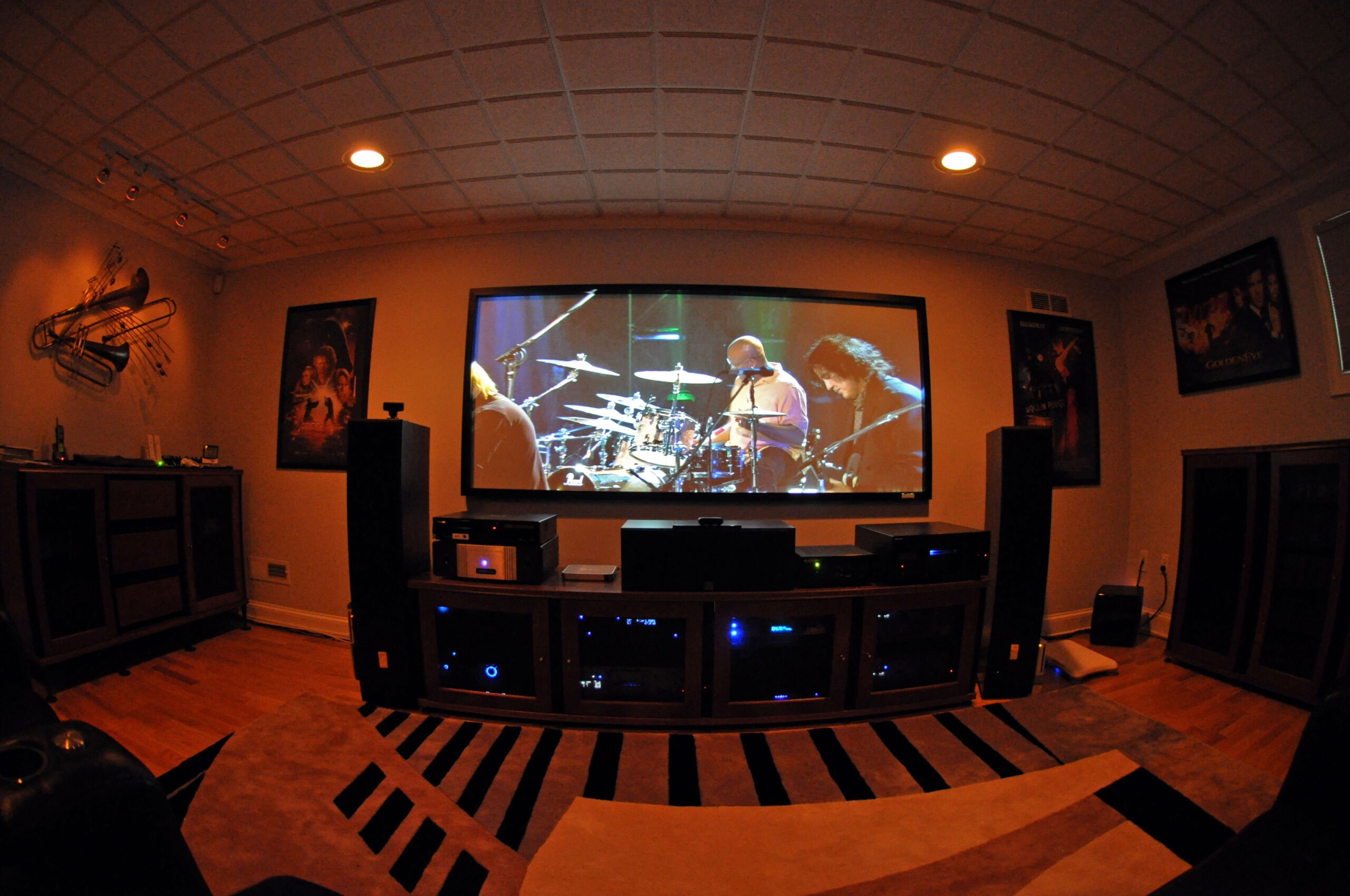
Our Home Theater
We use our Home Network and NAS System to provide a Home Media System. Our Media System sources content from streaming services as well as stored video and audio content stored on our Media NAS drive and enables it to be viewed from any TV or Smart Device in our home. We can also view our content remotely when traveling or in our cars via the Internet.
Surveillance System
Synology Surveillance Station
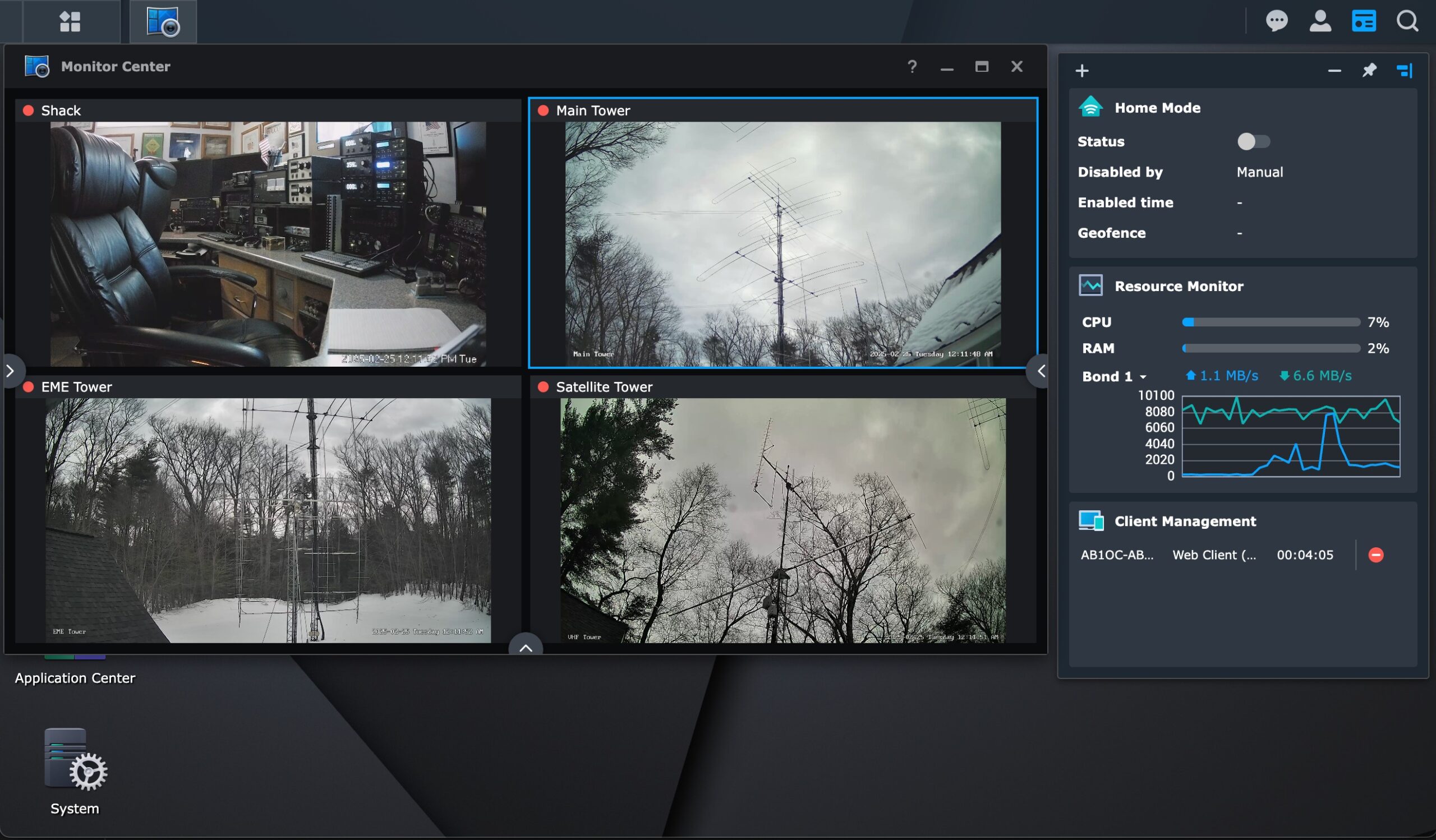
We use Synology Surveillance Station running on one of our NAS drives to support a variety of IP cameras throughout our home. This software uses the host NAS drive for storing recordings and provides image recognition and other security features.
Telephone System
Telephone System Dashboard
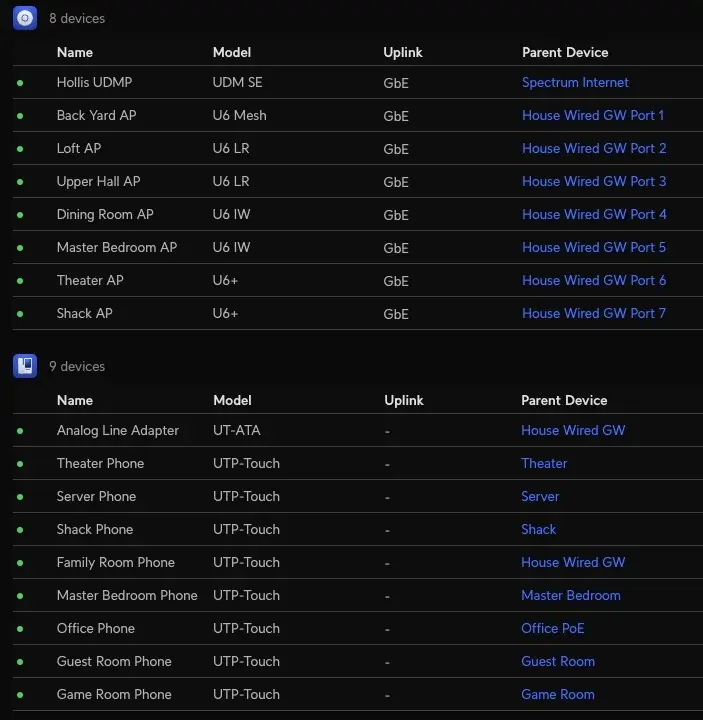
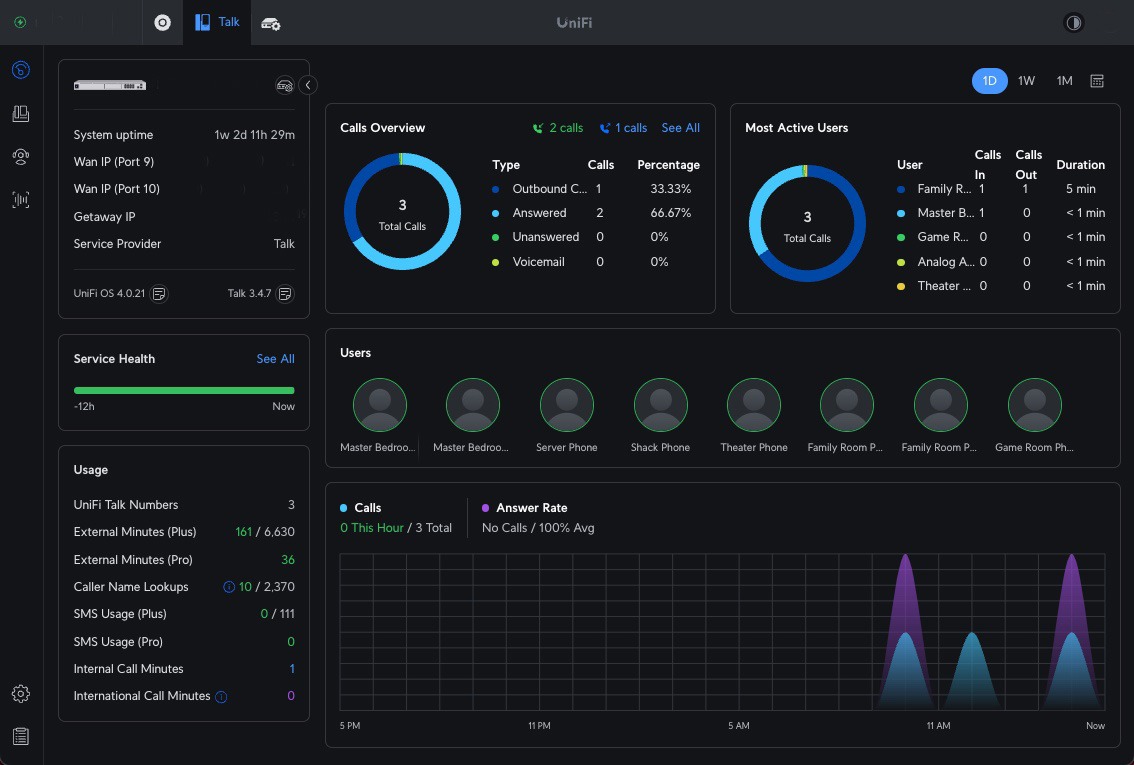
We use Ubiquity Unifi Talk to provide managed telephone service within our home.
Ubiquity IP Telephone
This system uses PoE-powered IP Telephones which we have installed throughout our home.
Applications, Services, and Websites
We are hosting several websites, including:
This site, which documents our Home Lab (self-hosted)